

Tapo DL100 Smart Wi-Fi Deadbolt Lock with Keypad, App Access and Auto-Lock
Product description
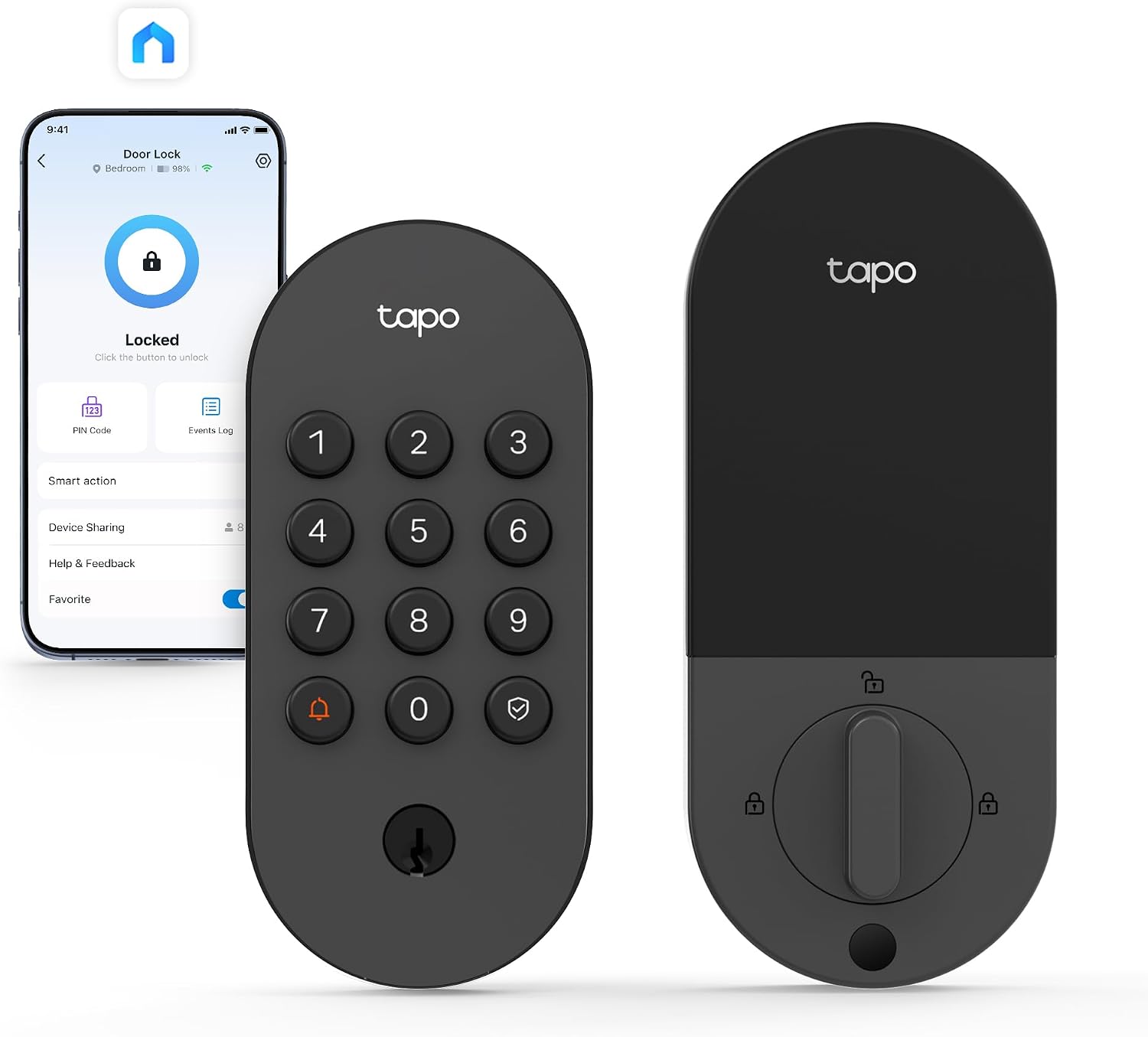
Made from metal, the Tapo DL100 is a smart deadbolt with tactile, backlit buttons for keyless entry. Its black finish and keypad design bring app-connected access to a standard home entrance.
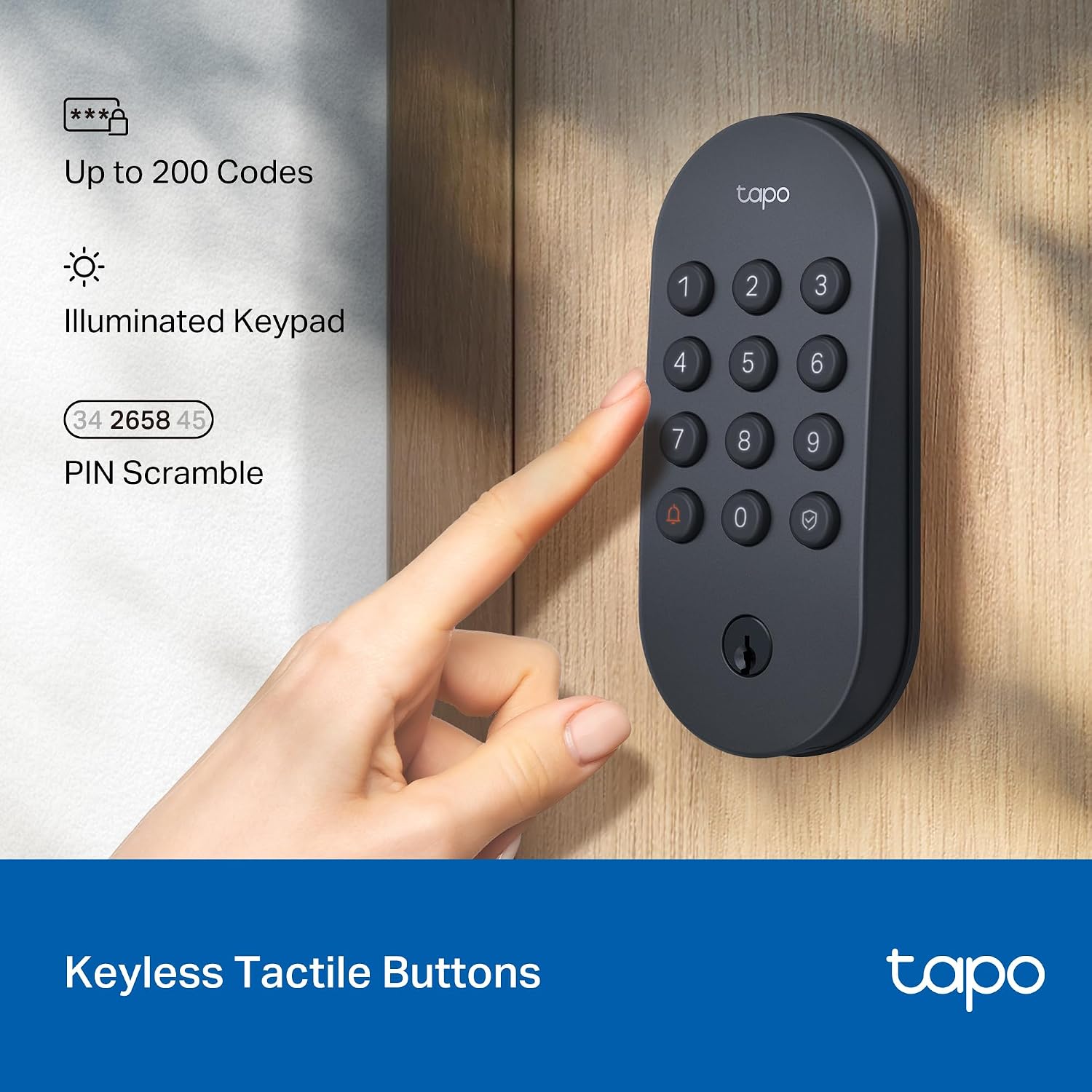
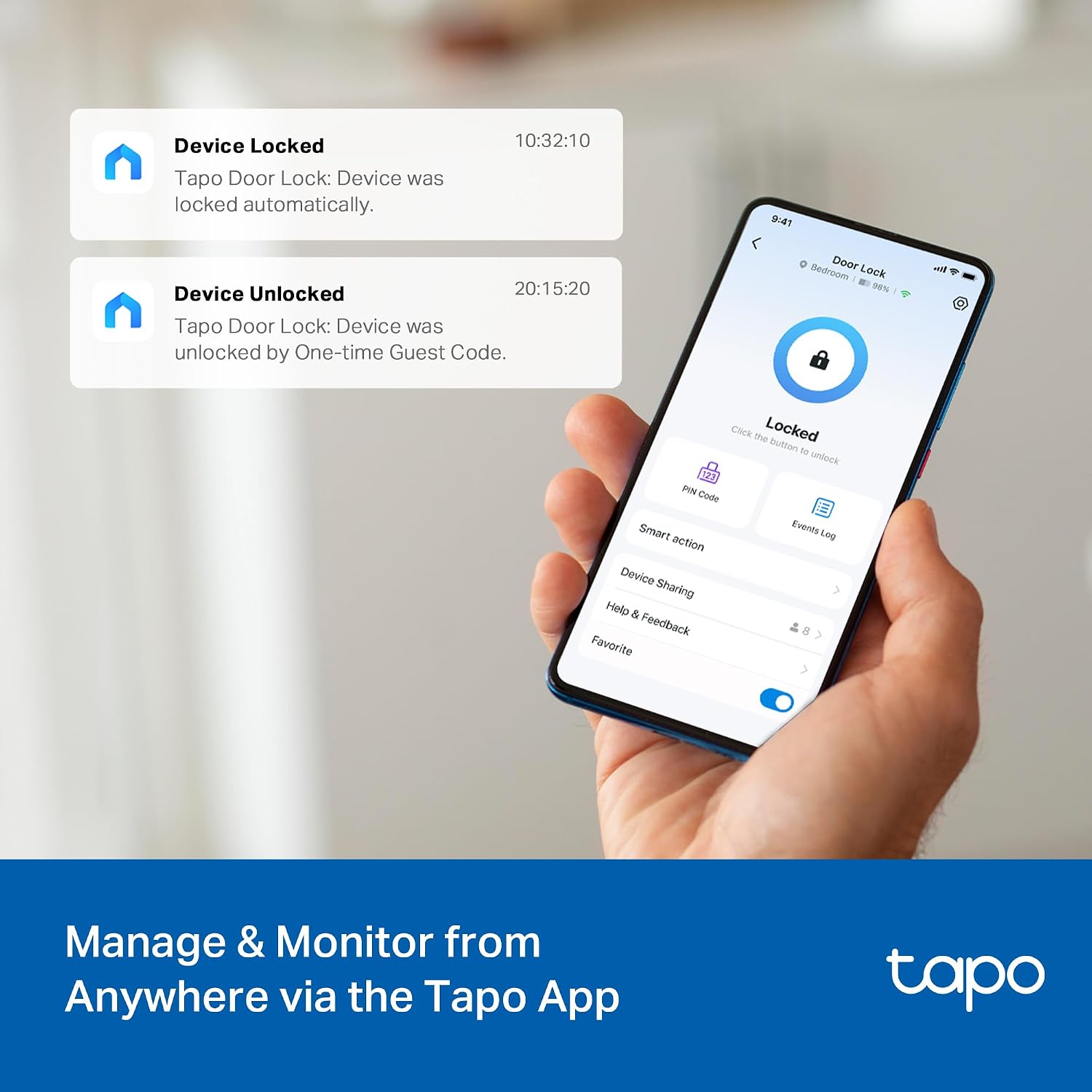
Create up to 200 customizable user codes for family, guests or scheduled access. A random-digit PIN feature helps shield your code from onlookers, while the Tapo app provides entry activity and alerts.
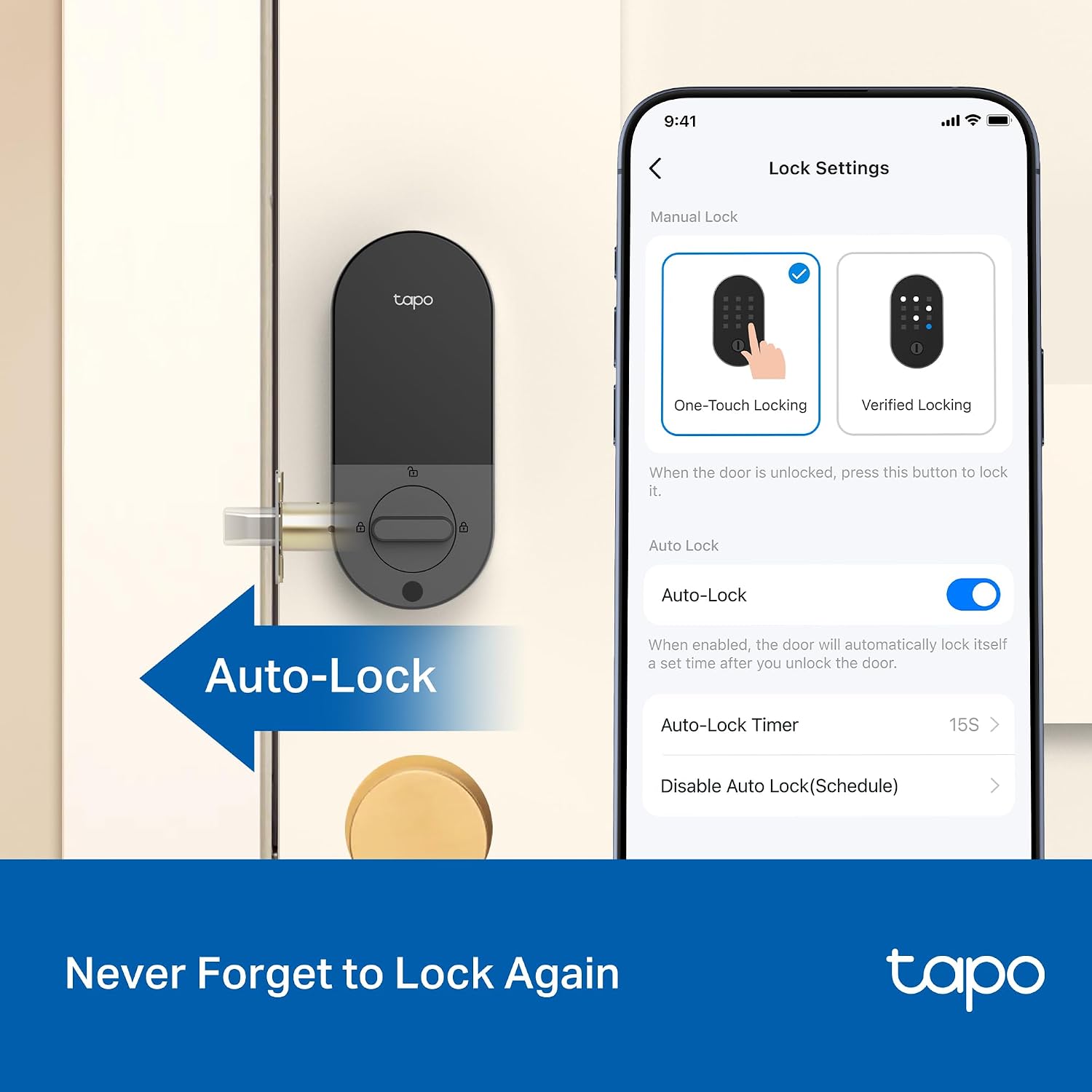
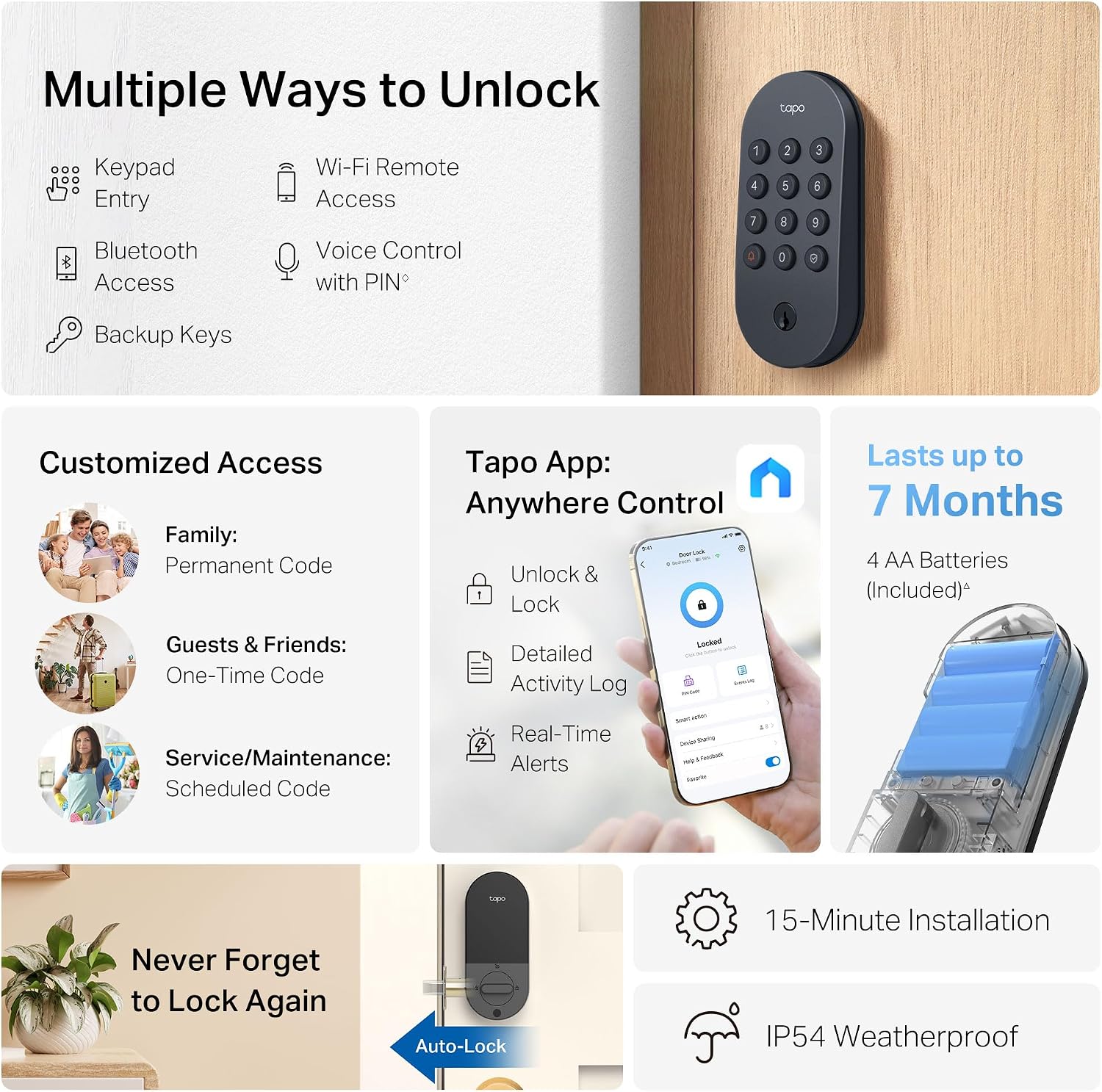
Choose keypad entry, Bluetooth access nearby, Wi-Fi control through the app or one of the two included keys. Auto-lock can secure the deadbolt after a user-defined interval, and the lock supports voice commands through Alexa, Google Home and SmartThings with PIN verification.
Product specs

- Type: Smart Wi-Fi deadbolt
- Material and colour: Metal, black
- Dimensions: 14.9 x 6.7 x 5.6 centimetres
- Connectivity: Wi-Fi and Bluetooth
- Access: Tactile keypad, Tapo app and physical keys
- User codes: Up to 200 customizable codes
- Security features: Auto-lock, random-digit PIN entry and real-time alerts
- Ratings: BHMA Grade 3, IP54 weatherproofing
- Power: Four AA batteries
For a compatible installation, the lock is designed for a single-cylinder deadbolt, not an integrated or mortise lock. The door thickness must be between 1-3/8’’ and 2-11/64’’, with a lock borehole between 1-1/2’’ and 2-1/8’’. The backset must be 2-3/8’’ or 2-3/4’’, and there must be at least 2-9/16’’ between the handle and deadbolt hole.
How to use it
Set up individual codes in the Tapo app, then assign permanent access for household members, one-time codes for guests or scheduled codes for service visits. The keypad’s tactile, backlit buttons make code entry practical after dark. For added privacy, the random-digit feature lets users enter digits around their PIN.
The app keeps an activity record with timestamps and sends notifications about lock activity. Use Wi-Fi for remote app control, or Bluetooth when you are nearby. Auto-lock adds a routine layer of convenience by engaging the deadbolt after the interval you choose. The lock also works with supported voice assistants, with PIN verification for voice commands.
The keypad and app offer a different approach from a conventional key-only deadbolt: you can manage access codes rather than handing out copies of a key, while the two physical keys remain available as another way to enter. Buyers often praise the app, operation and straightforward installation, while feedback on connectivity, controls and durability is mixed. These perspectives make fit and the access method important parts of choosing a smart lock.

What you get
The package includes the bolt, strike plate, dust box, exterior and interior assemblies, four AA batteries, two keys, a silicone cover, USB adapter cable, measuring template and quick start guide. Installation stickers and the listed mounting screws are also included.
What to clarify
Will it fit my existing door? It is intended for a single-cylinder deadbolt. Check that the door thickness, borehole, backset and handle-to-deadbolt spacing match the measurements listed above before installation. It is not designed for an integrated or mortise lock.
Can I give different people separate entry codes? Yes. The lock supports up to 200 customizable codes, including permanent, one-time and scheduled access. The Tapo app can send notifications and show who used a code and when.
What if the internet is unavailable or the batteries run out? Bluetooth lets you use the app for nearby access without an internet connection. If the batteries are depleted, the USB-C port can provide temporary power from a phone or power bank, either included physical key can also unlock the door.
Is it worth it?
The DL100 is well suited to a household that wants flexible entry without relying on shared keys. Its keypad, customizable codes, app activity records and adjustable auto-lock support everyday family access as well as planned guest or service visits. For doors that meet its single-cylinder fit requirements, it combines familiar deadbolt security with convenient ways to manage who can enter.