

Silkland USB-C cable 4 ft
Product description
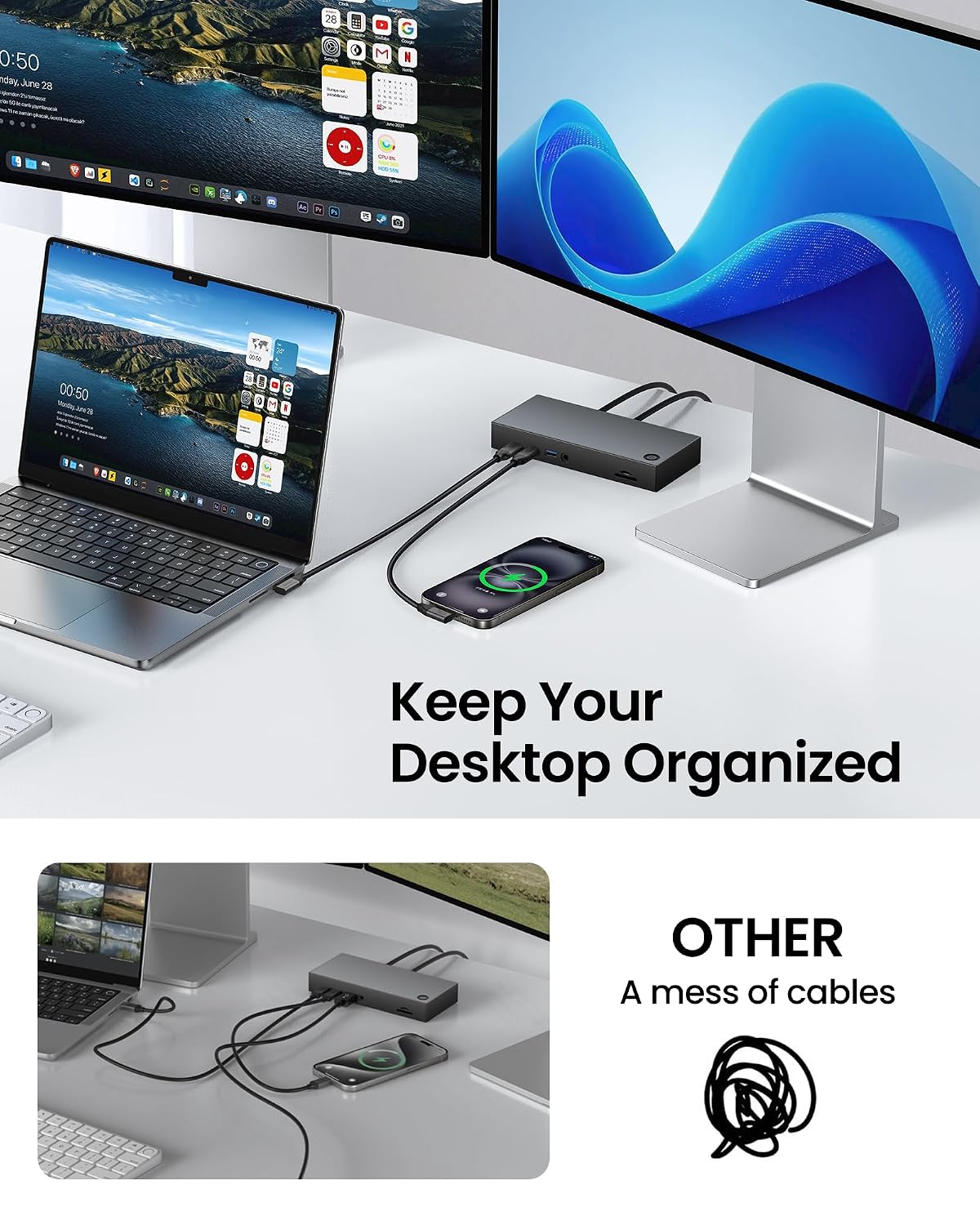
A cable that sticks straight out of a port can get in the way on a crowded desk, especially beside a dock or laptop. Silkland’s right-angle USB-C cable turns the connection along the device, which may help keep the cable closer to the surface and reduce awkward bends at the port. It’s also specified for high-speed data, display output and charging, so it could suit a setup where one cable needs to handle more than basic charging. The main caveat is that the advertised speeds and display modes depend on the connected devices.
Technical details
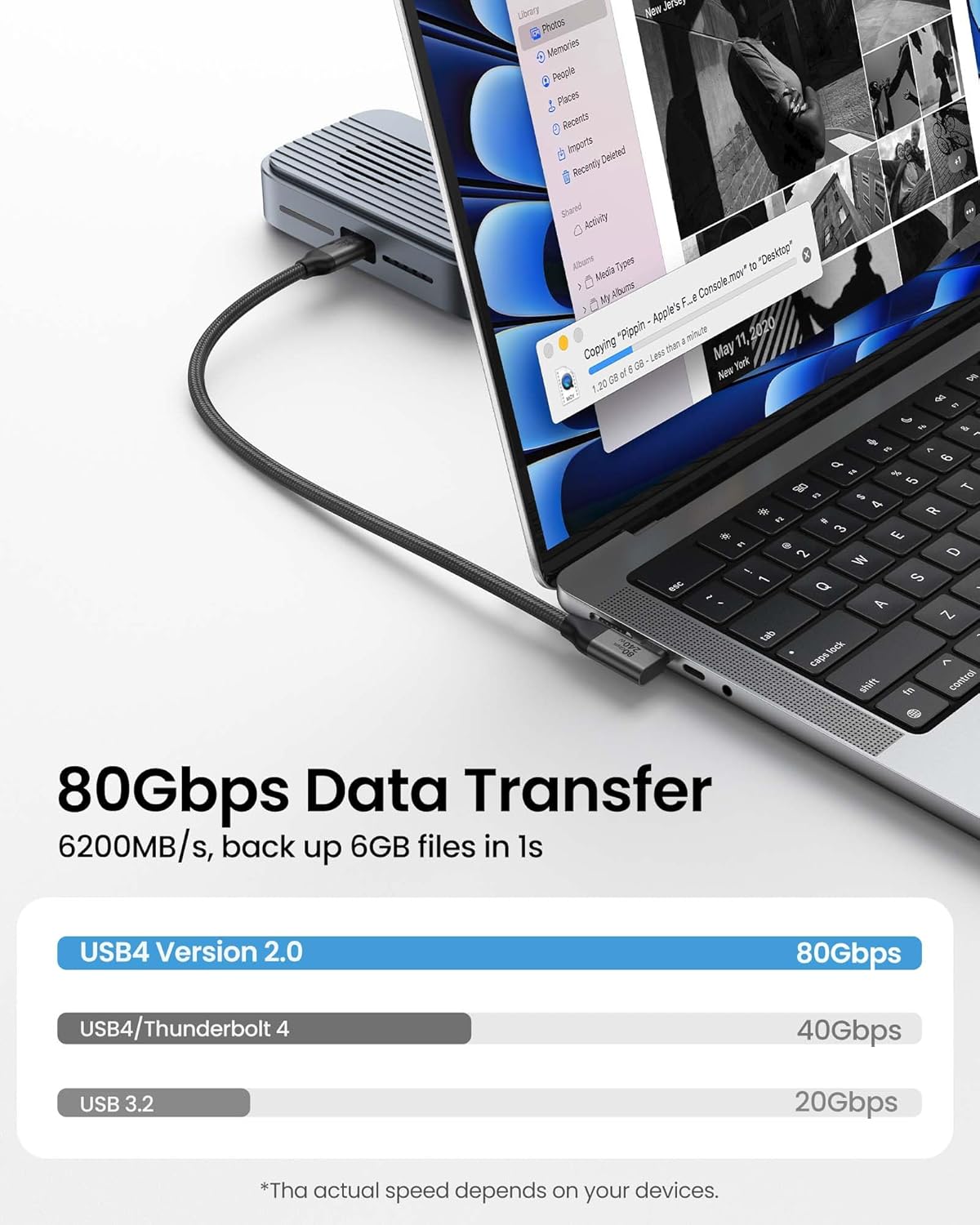
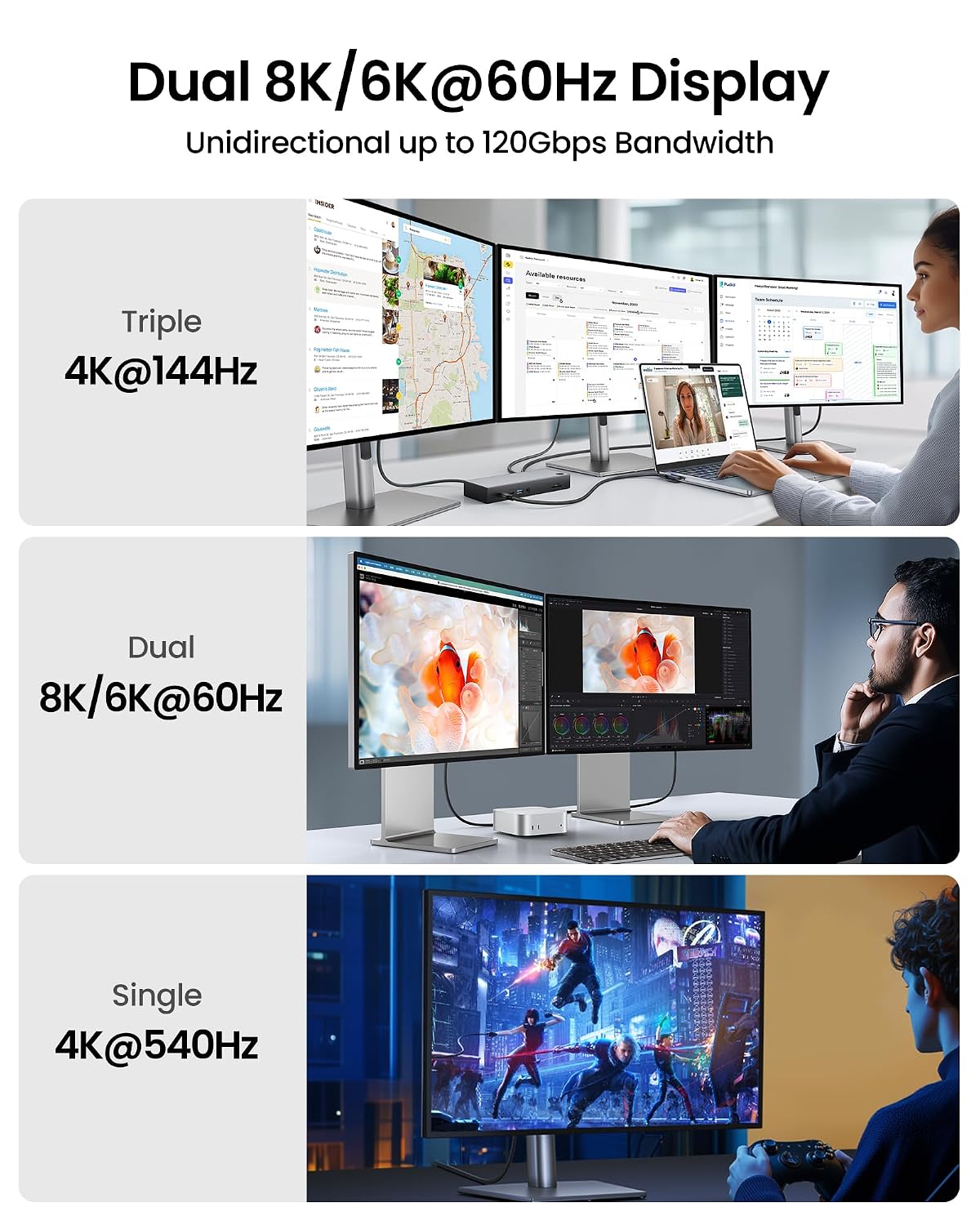
This 4 ft cable is rated for bidirectional data transfer up to 80 Gbps, with up to 120 Gbps of unidirectional bandwidth for display use. The listing describes support for display configurations including dual 8K or 6K at 60 Hz, triple 4K at 144 Hz, and single 4K at 540 Hz. Those are capability claims, not a guarantee that every laptop, monitor or dock will deliver those modes, the product information says actual speed depends on the device.
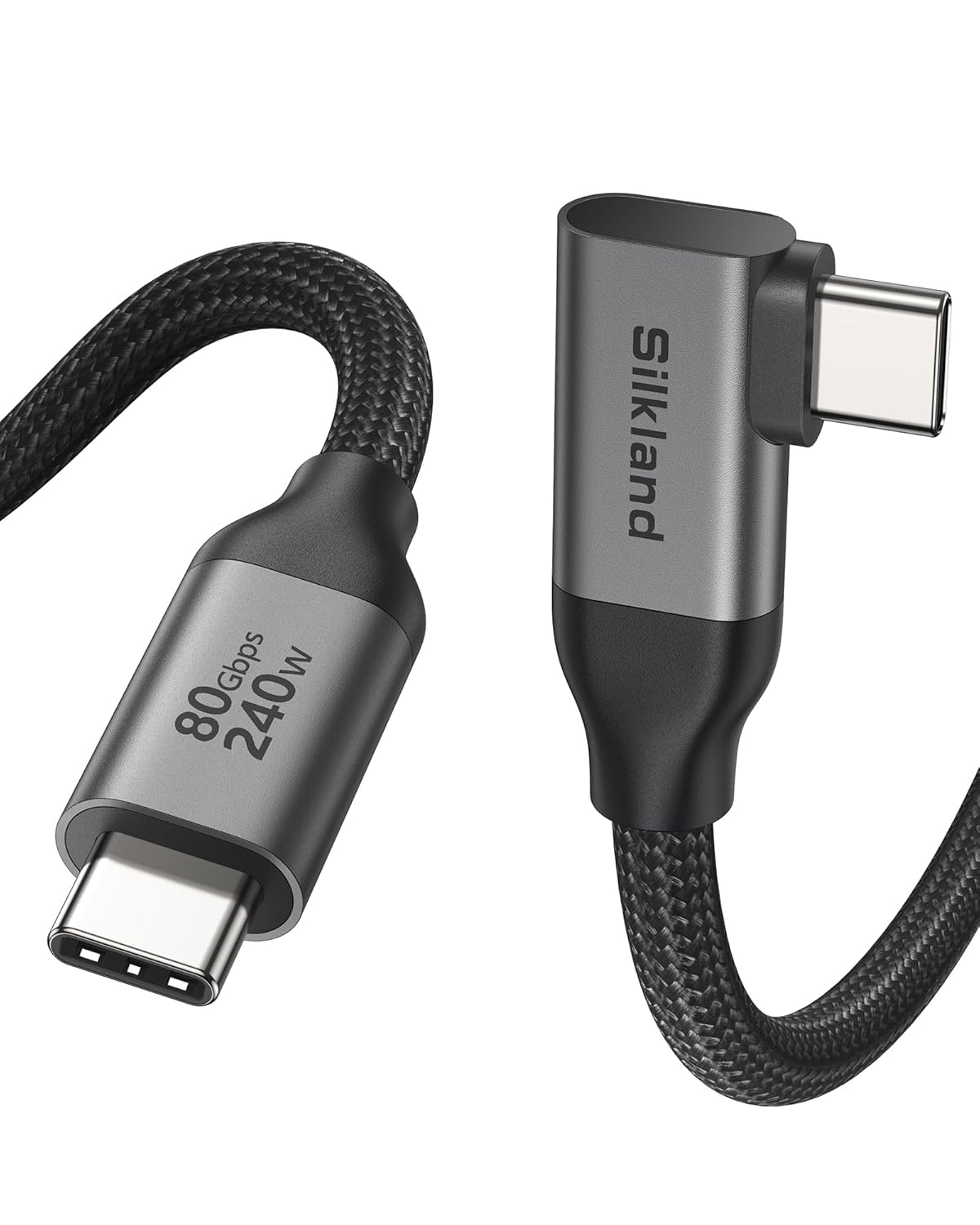
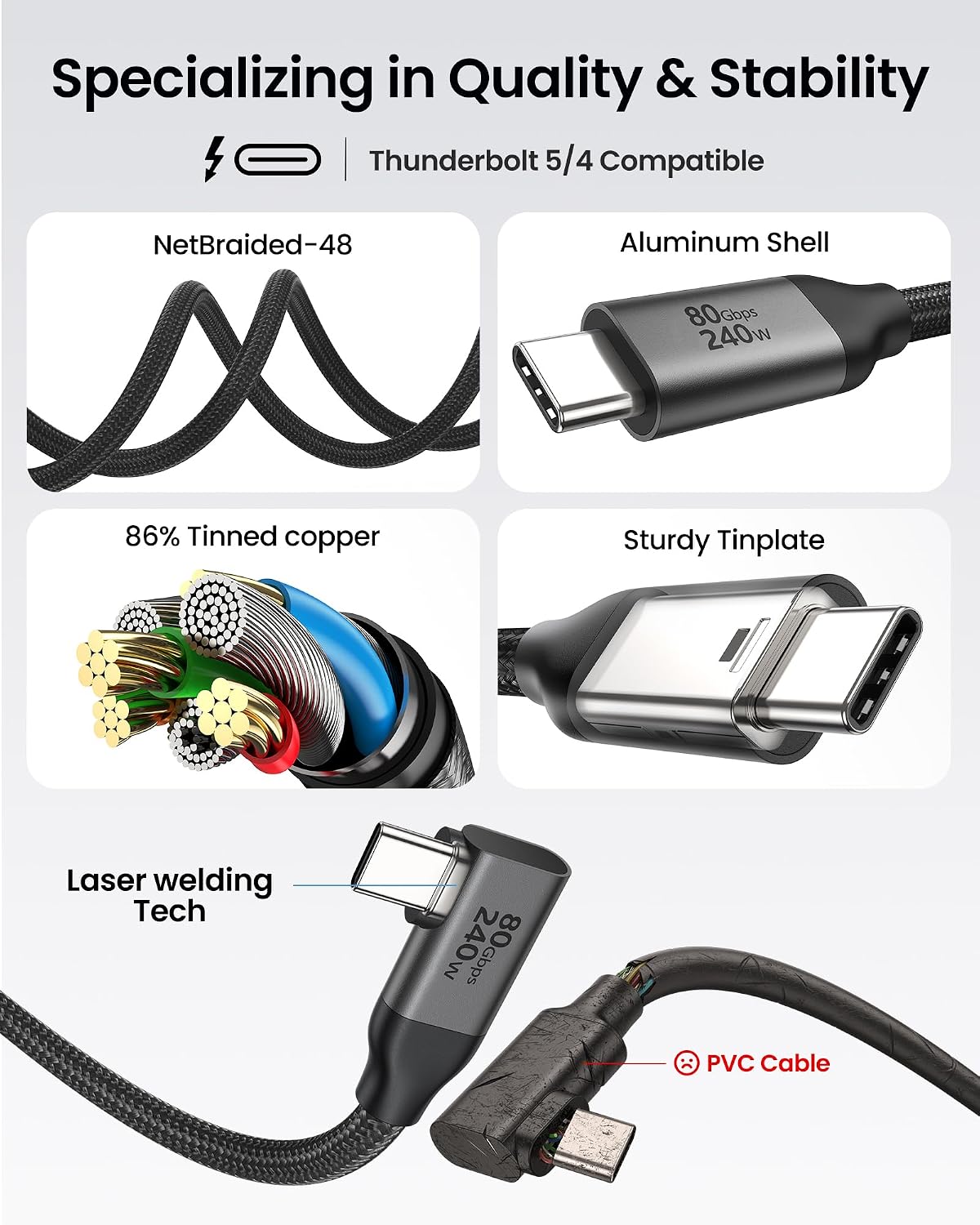
For power, it’s rated up to 240 W and lists PD 3.1 and QC 4.0+ compatibility. The construction includes an aluminium shell, braided nylon, triple shielding and stainless-steel connectors. The cable is also described as having passed more than 5,000 bend tests, and it comes with 24-month product care. No further details are provided about the terms of that care.
Practical compatibility
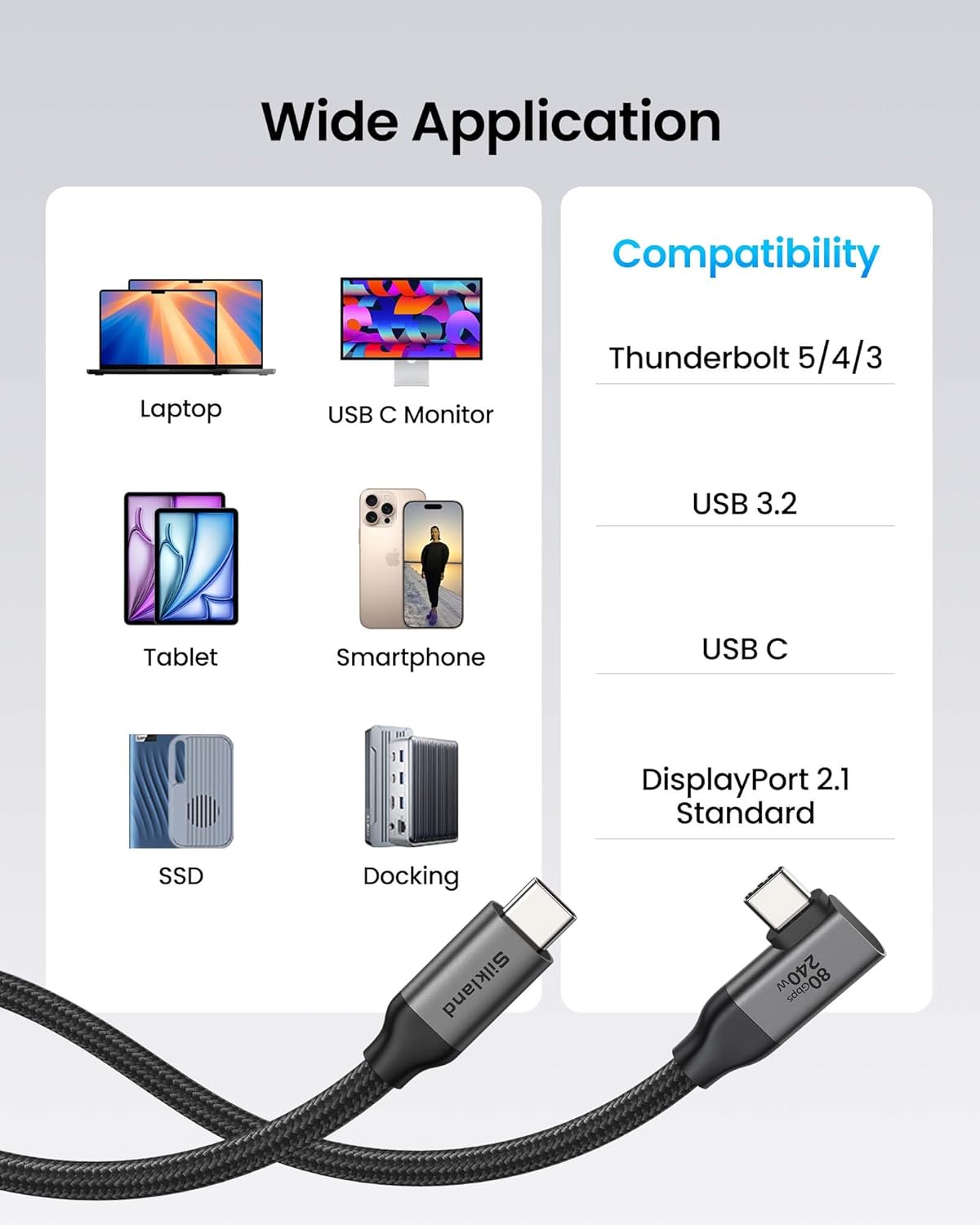
The product is listed as compatible with Thunderbolt 5 and 4, MacBook, iPhone 17 and 16, and docks. That makes it relevant to a mixed workstation where a USB-C connection may be used for charging, data or video. Compatibility with a device does not by itself confirm a particular transfer rate, charging rate or display resolution: the host device, dock and connected display all affect what you can use.
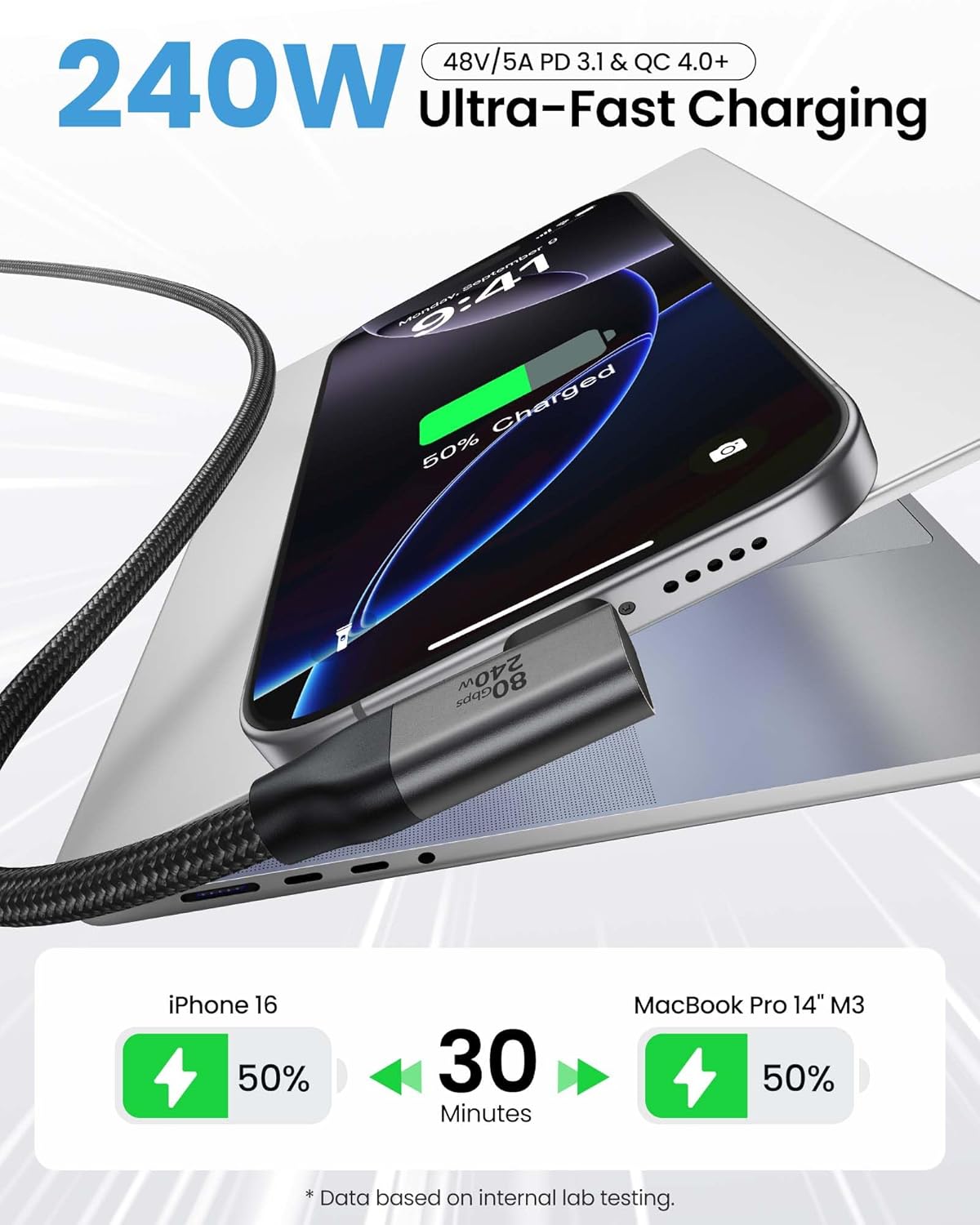
Compared with a basic charging cable, this one is aimed at users who also want high-bandwidth data or display support and a connector that sits at an angle. If the cable will only charge a device, those extra capabilities may not matter much.
Usage tips
The L-shaped plug is designed to sit close to the device, which can be useful when a laptop is beside a mouse or pushed near the back of a desk. Leave enough room for the cable to turn naturally rather than pulling it sideways, the angled connector can help manage routing, but it can’t make a tight or strained connection harmless. For display or file-transfer use, connect it to equipment that supports the mode you need, then check the device settings and dock setup if the result is below the listed capability.
Before deciding
Puede interesarte si you want one USB-C cable for a capable dock setup and value a right-angle connector for tidier routing. Puede no ser la mejor opción si your only requirement is basic charging, or if you need a confirmed speed or screen mode for a specific combination of devices. The listing names broad compatibility, but it doesn’t specify performance for each model or setup.
Before you buy
This Silkland cable is worth considering when both its angled plug and its stated data, display or charging capabilities match your setup. A less specialised cable may make more sense for simple charging, while a straight connector may suit ports where an L-shaped plug would point in the wrong direction. Choose this one for the right-angle layout and feature set, not on the assumption that every connected device will reach the maximum figures.