

SanDisk SDIXD0N-128G-GN6NE Phone Drive, 128GB USB-C & Lightning Flash Drive
Reviews
Product description
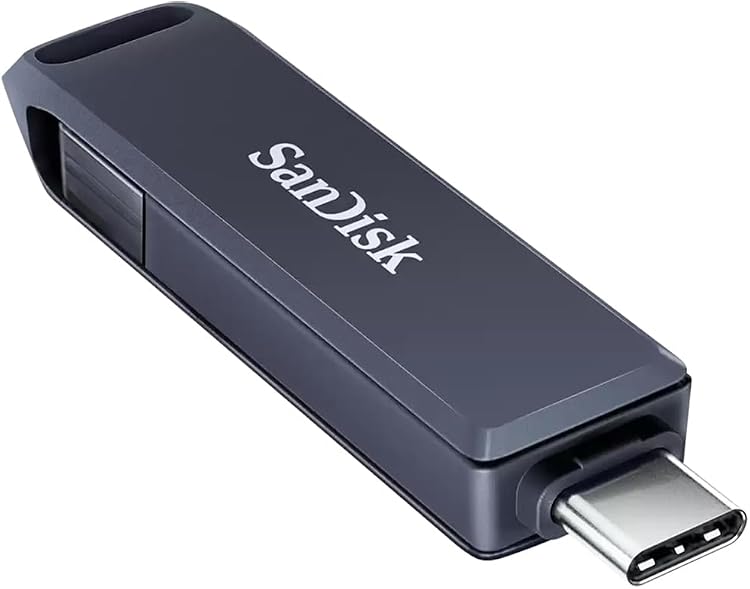
A single-device workflow calls for straightforward storage, moving files across Lightning and USB-C devices calls for more flexibility. The SanDisk Phone Drive has dual connectors for both types of connection. Its 128GB capacity gives you room to move photos, videos and other files. The Metallic Blue finish adds a distinctive look.
Worth noting
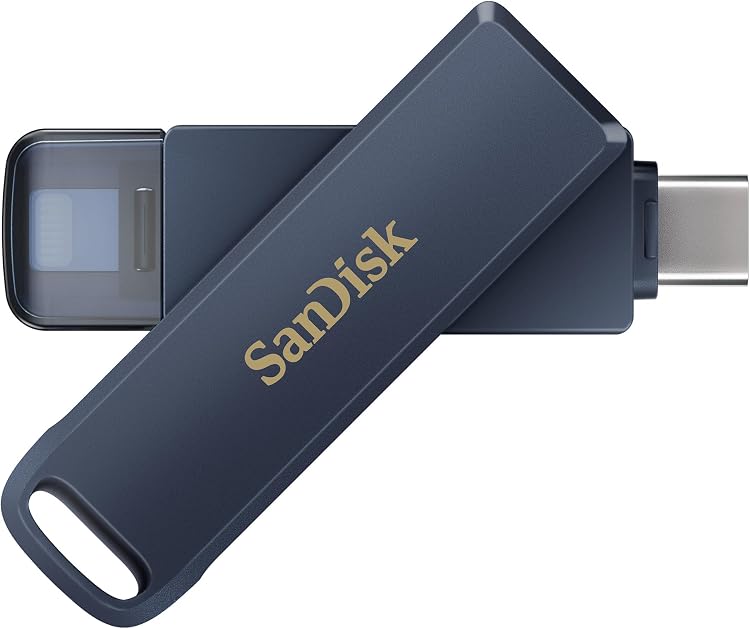
With Lightning and USB-C connectors on one drive, you can transfer content between compatible iPhones and USB-C devices without relying on a single connector type. It’s designed for use with iPhone, iPad, Mac and USB-C devices, with compatibility for newer iPhone models with a USB-C port and older iPhone models with a Lightning port. For a specific iPad or Mac, SanDisk’s compatibility information can help confirm the match.
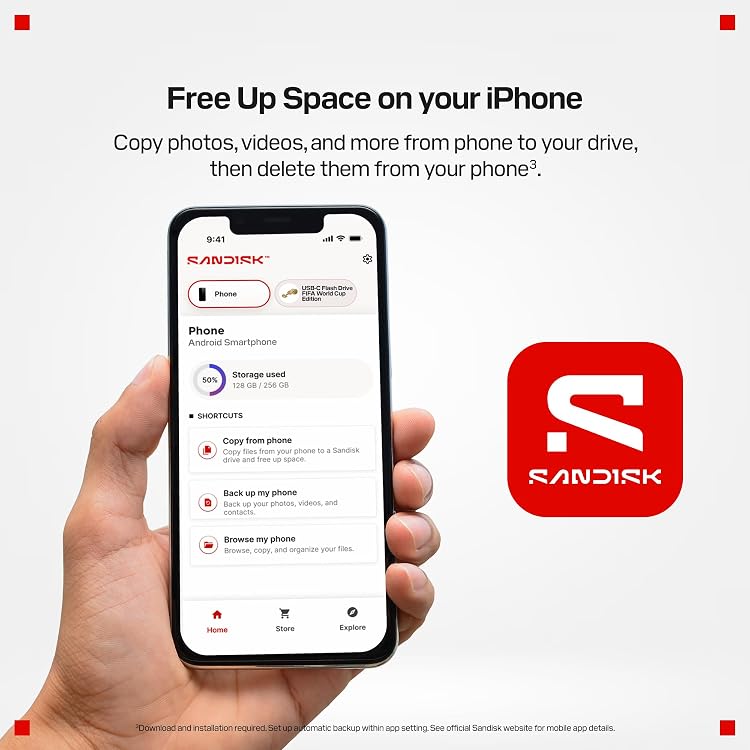
The drive offers up to 128GB of storage, which can help free space on a phone by moving photos and videos onto external storage. Actual user storage is less than the stated capacity. The Made for iPhone certification is also useful for shoppers looking for a drive designed to connect with Apple devices.
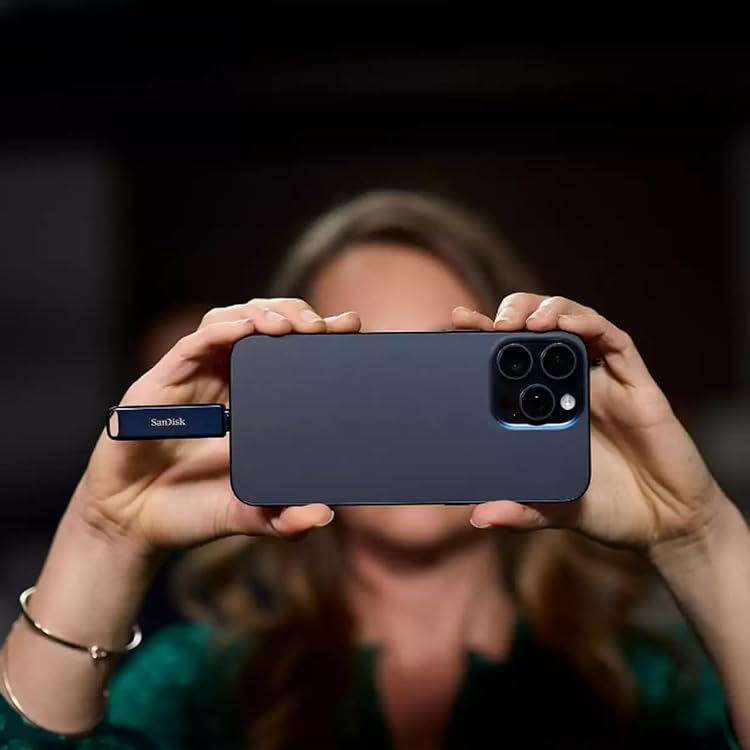
Buyer feedback often highlights ease of use and useful storage capacity. Opinions are mixed on transfer speed and compatibility, so the device connection matters: choose the Lightning connector for a compatible older iPhone, or USB-C for a compatible USB-C device.
Usage tips
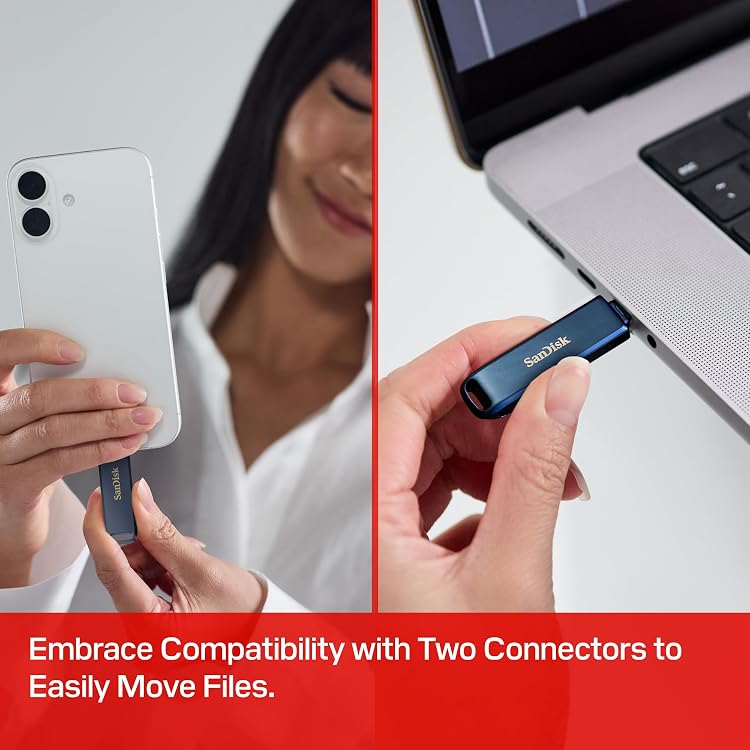
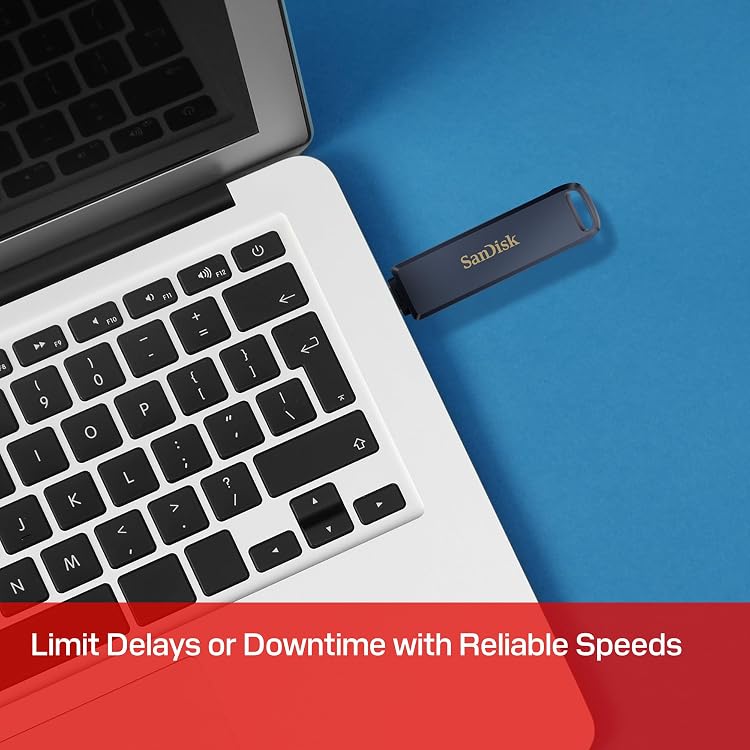
Use the dual connectors to move files between devices with different ports. For example, transfer photos from a compatible iPhone and then connect the drive to a USB-C device to access those files there. This makes it a practical choice when a single storage drive needs to serve more than one device type, rather than a drive intended for only one connector.
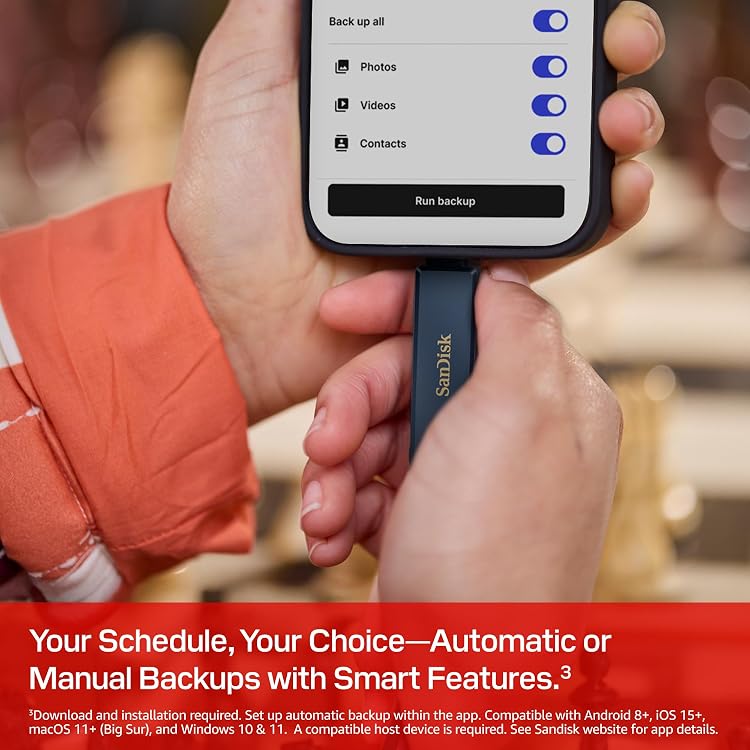
For automatic backup, download the SanDisk mobile app and enable automatic backup in its settings. The app is required for this feature, and setup is done within the app. This can make regular photo and video backups part of your phone routine, while the drive also remains useful for manual file transfers.
How to use it
Connect the drive using the connector that matches your device, then move the files you want to store or access. For automatic backup, install the SanDisk mobile app and set up the feature in its settings. When transferring between devices, use the appropriate connector at each step and check SanDisk’s compatibility information for the particular iPhone, iPad or Mac you plan to use.
Questions before you buy
Which devices can I use it with? It is designed for iPhone, iPad, Mac and USB-C devices. It supports newer iPhone models with a USB-C port and older iPhone models with a Lightning port, check SanDisk’s compatibility information for your specific Apple device.
Can it back up photos automatically? Yes. Download the SanDisk mobile app and enable automatic backup in the app’s settings. The app is required for this feature.
How much storage does it provide? It offers up to 128GB. The usable capacity is less than the stated amount, and the space is suited to keeping photos, videos and other files available across compatible devices.
Final verdict
For someone who moves photos and videos between Lightning and USB-C devices, the SanDisk Phone Drive combines both connectors with up to 128GB of storage in one drive. Its automatic backup option adds a useful way to manage phone content, while the dual-connector design supports a flexible transfer routine across compatible devices.