

Makeblock mBot2 P1010132 Coding Robot with Scratch and Python Support
Product description
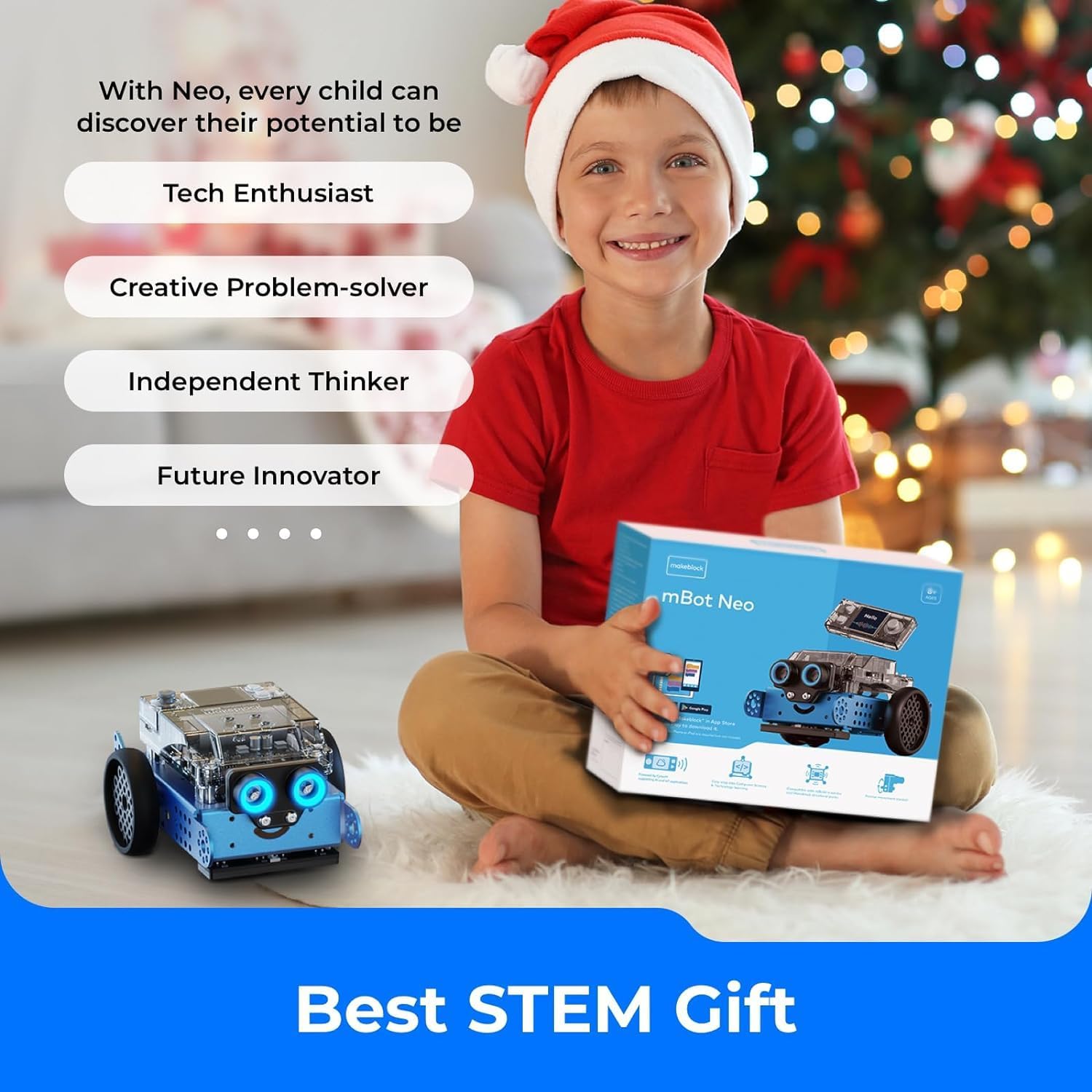
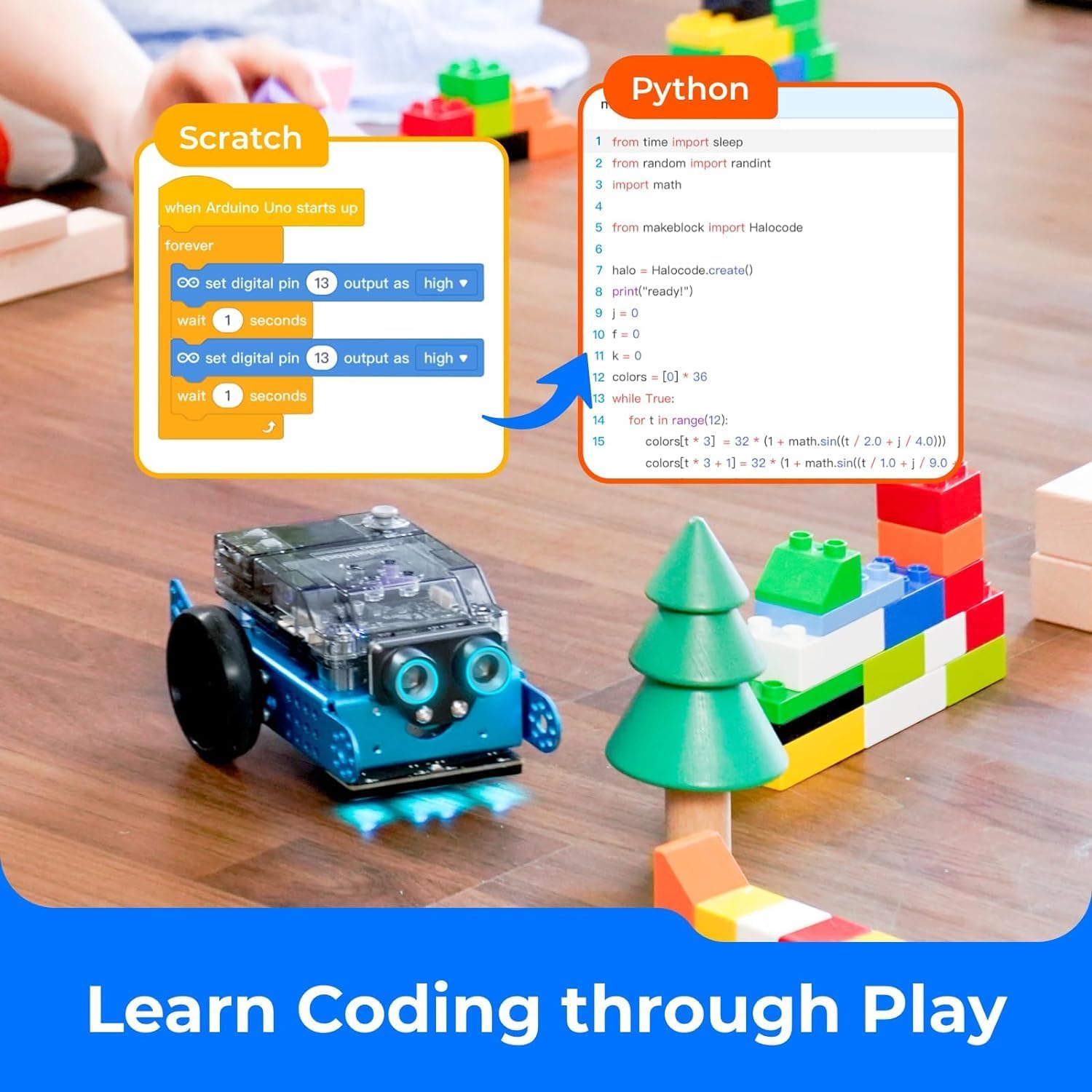
For kids ready to explore how coding controls a moving robot, the Makeblock mBot2 combines hands-on building with interactive programming. It supports block-based coding as well as Scratch and Python, offering different ways to create and develop projects. Choose it for guided, screen-based coding activities, a simpler construction toy is better suited to play without programming.
Key points
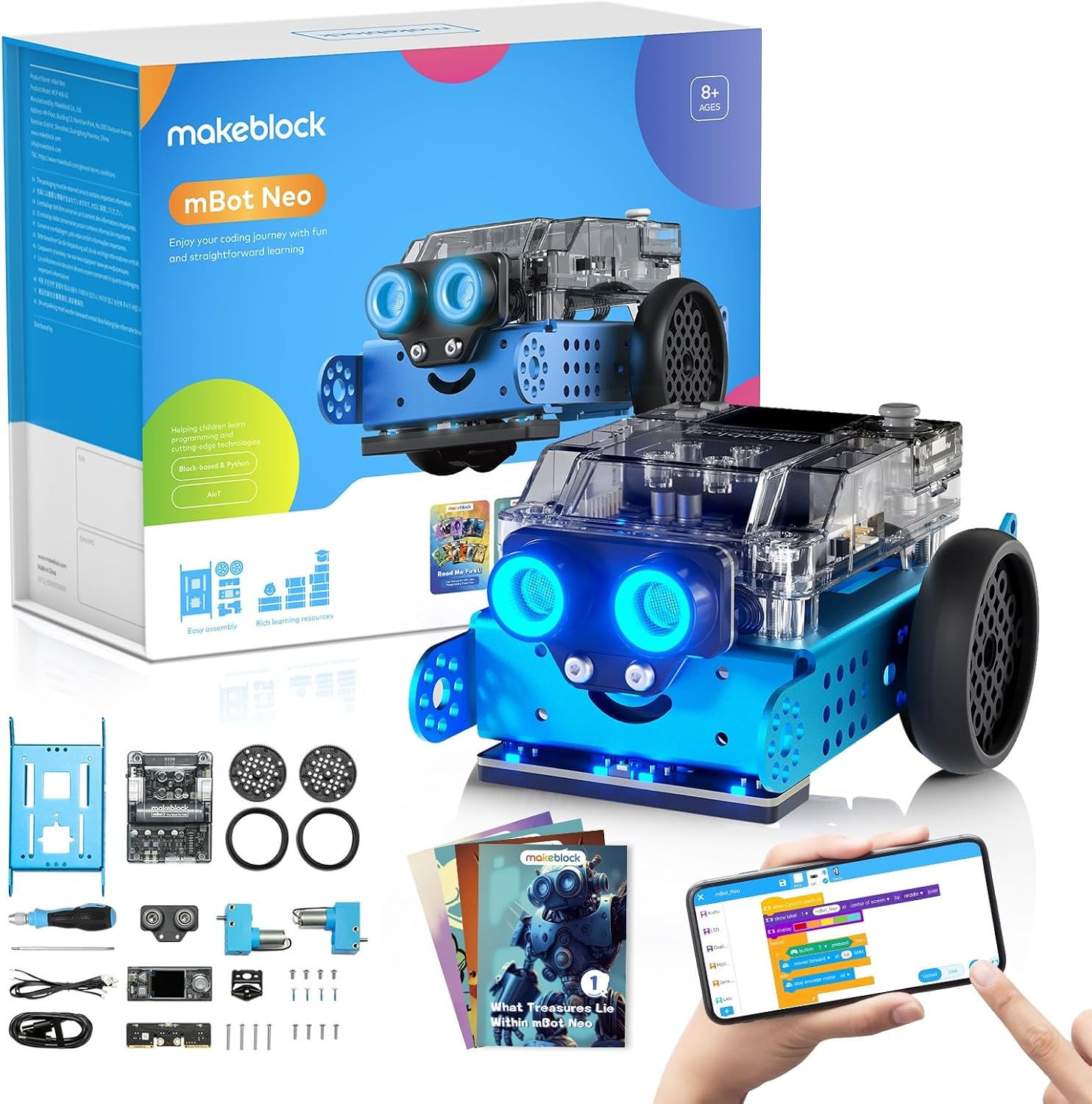
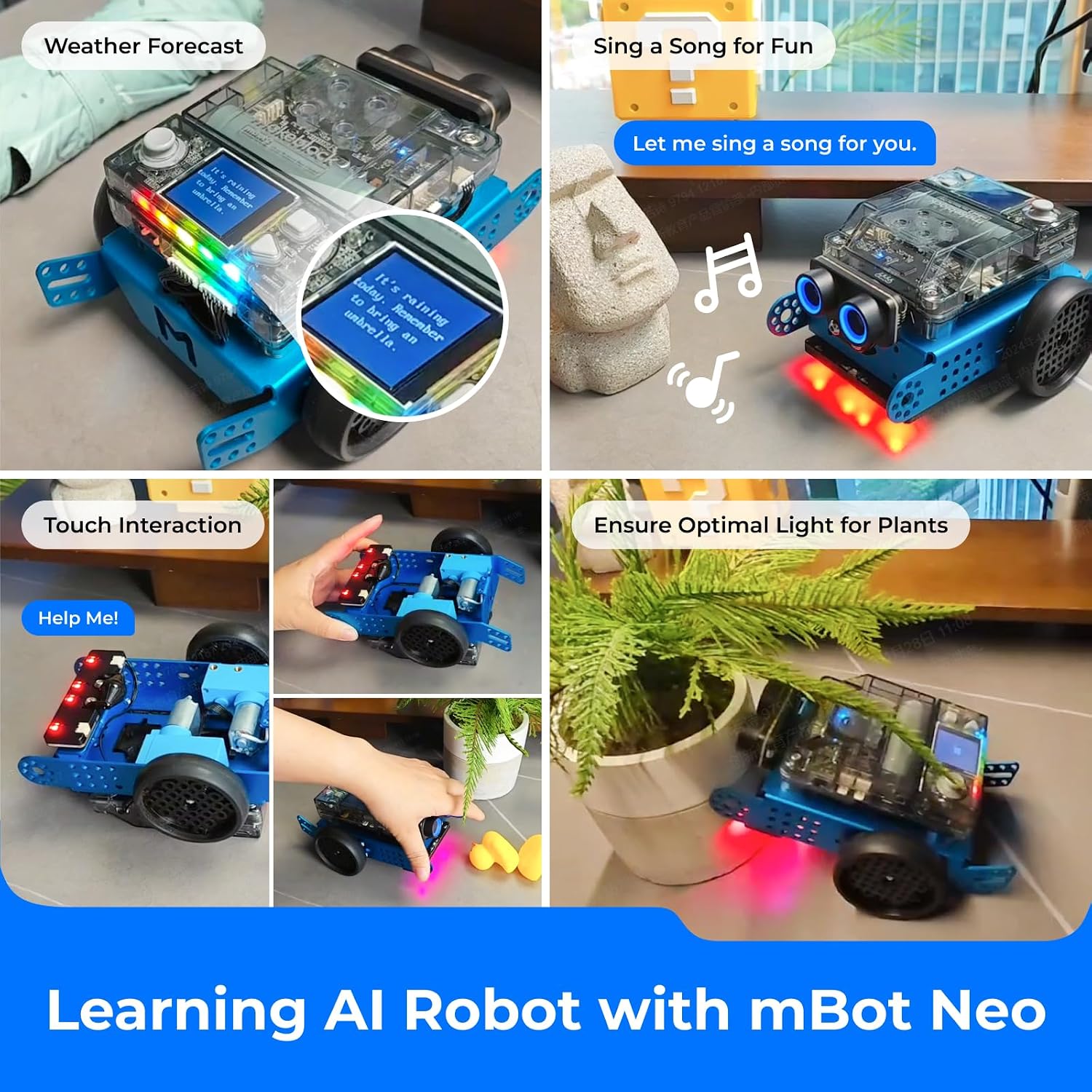
The mBot2 turns coding concepts into visible actions: children can program the robot to move, follow a line, avoid obstacles, identify colours, play music or respond to voice controls. Its range of play modes also includes driving, drawing and coding through the app, so a project can start with direct control and progress to creating commands. This gives kids a practical way to connect instructions with what the robot does.
Four coding project cards are included to help get activities underway. The learning material supports exploration of robotics and programming, while Scratch-style blocks let beginners build commands without having to start with code syntax. Python support provides another way to work on projects as skills develop. Buyers often describe the robot as engaging to build and play with, feedback on learning and ease of use is mixed, and some report connection difficulties. The included cards and guided activities give families a starting point for learning together.
Practical tips
Plan to build the robot before starting a coding activity. The pack includes a screwdriver, USB cable, four standard coding project cards and a line-following track map, giving children tools and prompts for hands-on exploration. Following the step-by-step build guide can make assembly part of the activity rather than a separate setup task. Adult participation can also help younger learners connect the build with their first programming commands.
At 15 x 9 x 17.8 centimetres and 1.15 kg, the robot is sized for indoor play and project work on a suitable floor or tabletop. The line-following map offers a defined route to try, while driving and drawing modes create other ways to see how movement commands affect the robot.
Usage tips
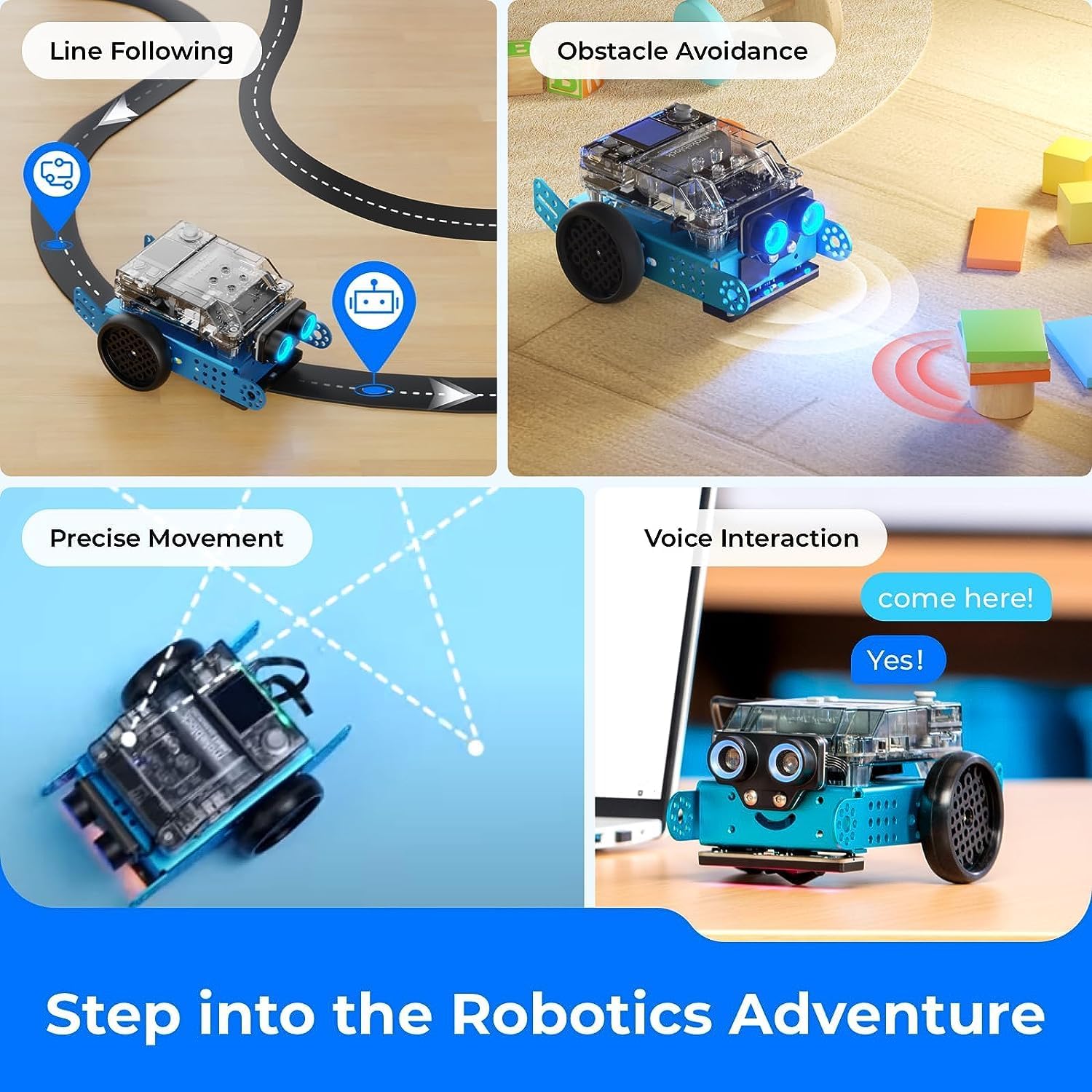
Begin with a simple action, such as driving or following the track, then move into block-based programming to change the robot’s behaviour. Children can explore commands for movement, lights, music or voice interaction, then try Scratch or Python as they become more comfortable making and adjusting code. This progression makes the mBot2 useful for both playful experimentation and more structured STEM activities.
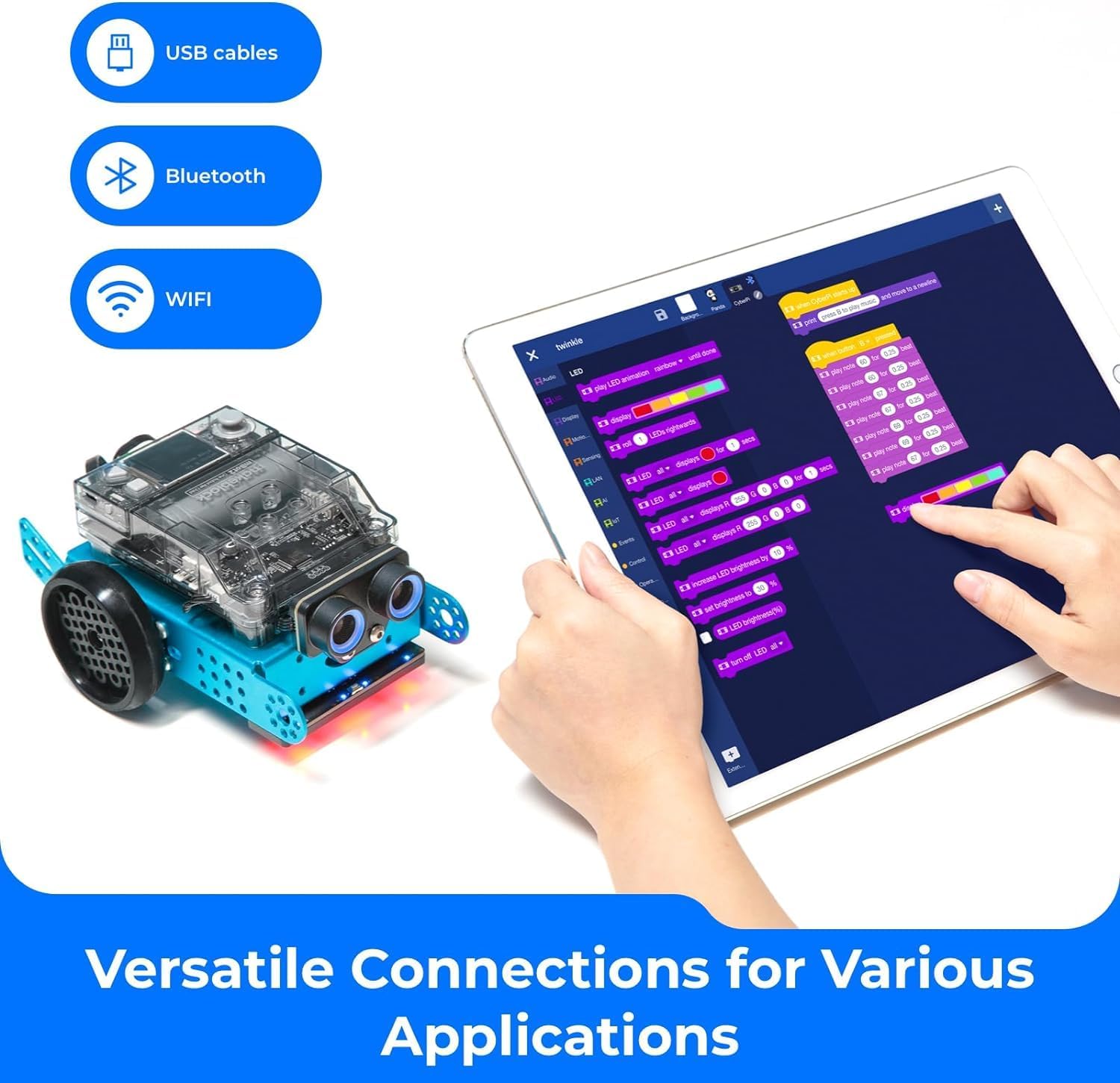
For a shared project, the robot’s Wi-Fi control option supports activities involving multiple mBot2 units on the same network, using the same program. Bluetooth and USB are also listed as control options. Check that the selected connection method and app are set up for the activity before beginning, so more time can go to building and coding.
Before you decide
Which programming options does the mBot2 support? It supports block-based coding, Scratch and Python. Beginners can start by assembling commands visually, then explore Python programming as their projects progress.
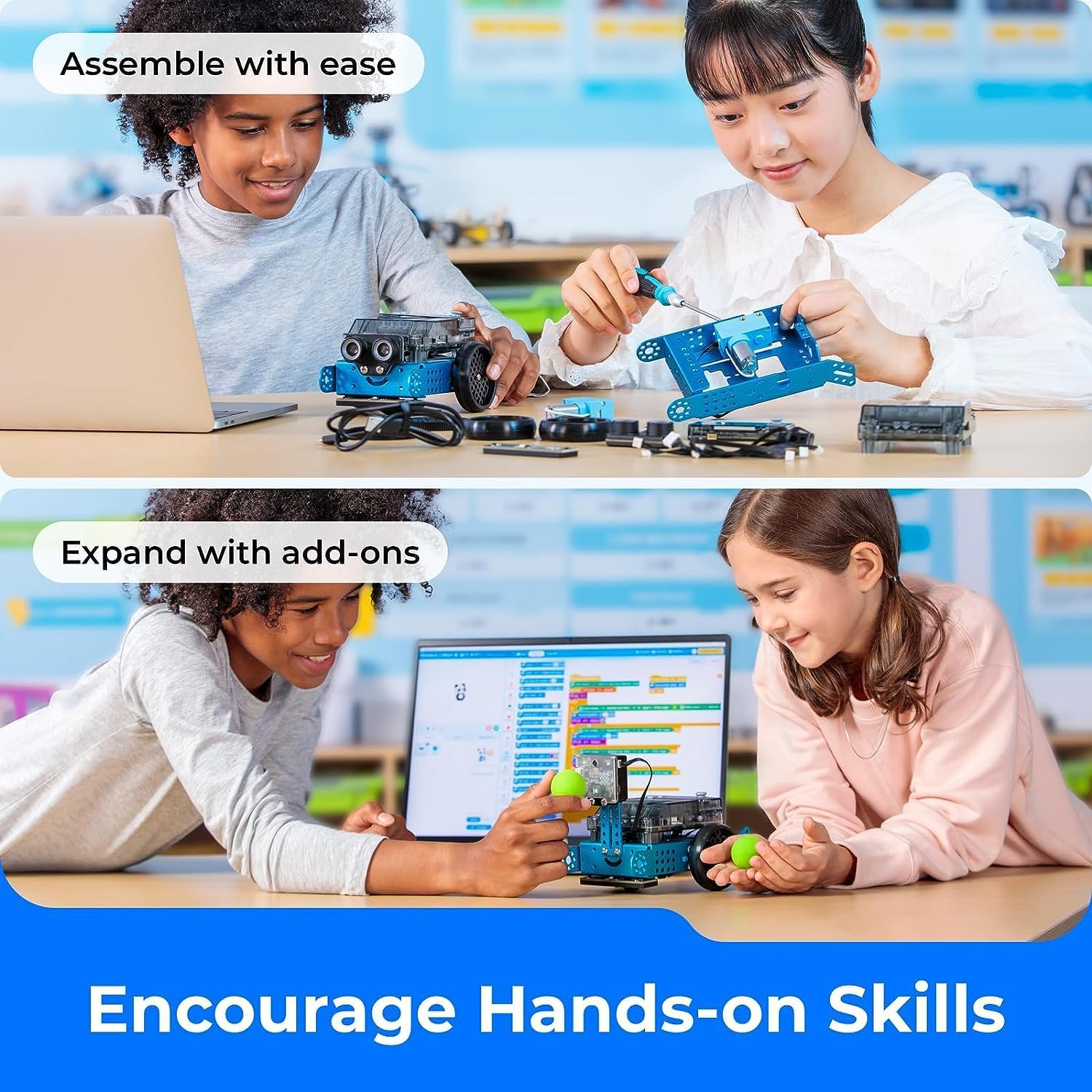
What comes in the pack? The listed contents are one Makeblock mBot2 coding robot pack, four standard coding project cards, a USB cable, a screwdriver and a line-following track map.
What can children do with it? They can build and control the robot, create coding projects, try line following and explore activities such as drawing, music and voice control. The project cards and track map provide concrete starting points for play.
Final verdict
The Makeblock mBot2 is suited to children who want more than a robot to steer: it combines assembly, interactive play and coding in one indoor STEM activity. Scratch and block-based programming make it approachable for first projects, while Python support gives young learners another route to explore as their interests grow.