

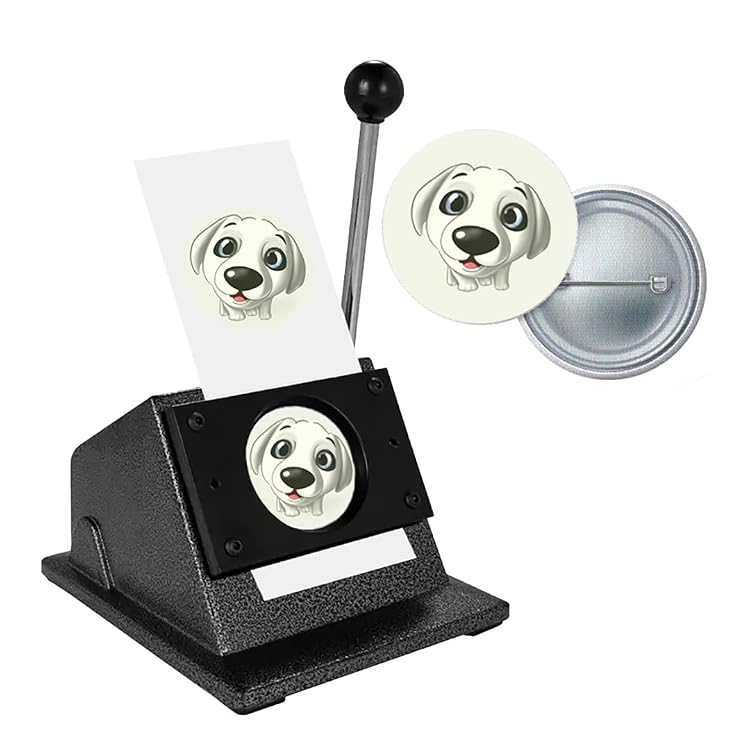
JHZABPO 35 mm Circle Punch Cutter for 25 mm Button Making
Reviews
Price
Product description
Practical tips
A fixed 35 mm cutting diameter helps prepare consistent circles for button-making, so you can spend less time measuring and trimming each design. The cutter is intended for artwork used with 25 mm buttons, making it useful when you want a repeatable size for a batch of badges.
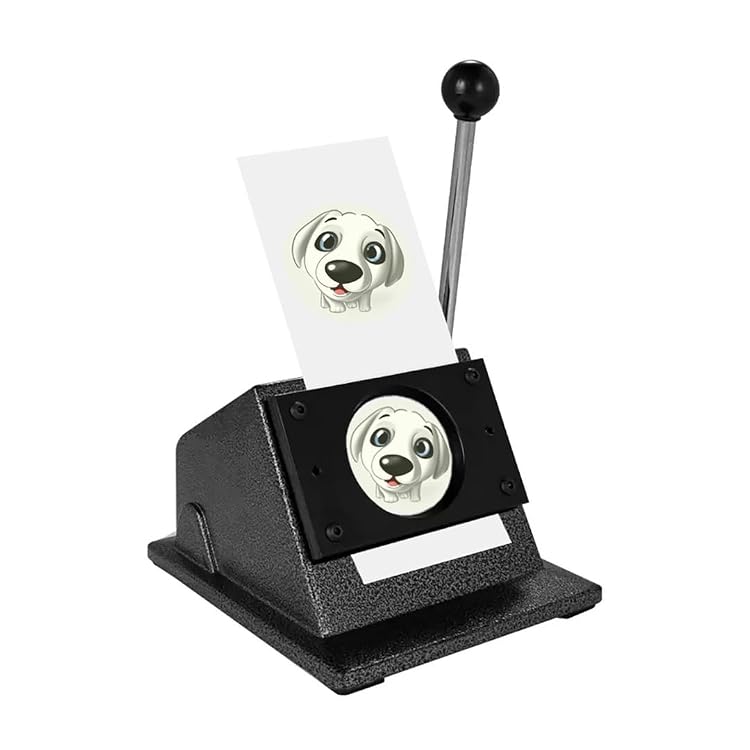
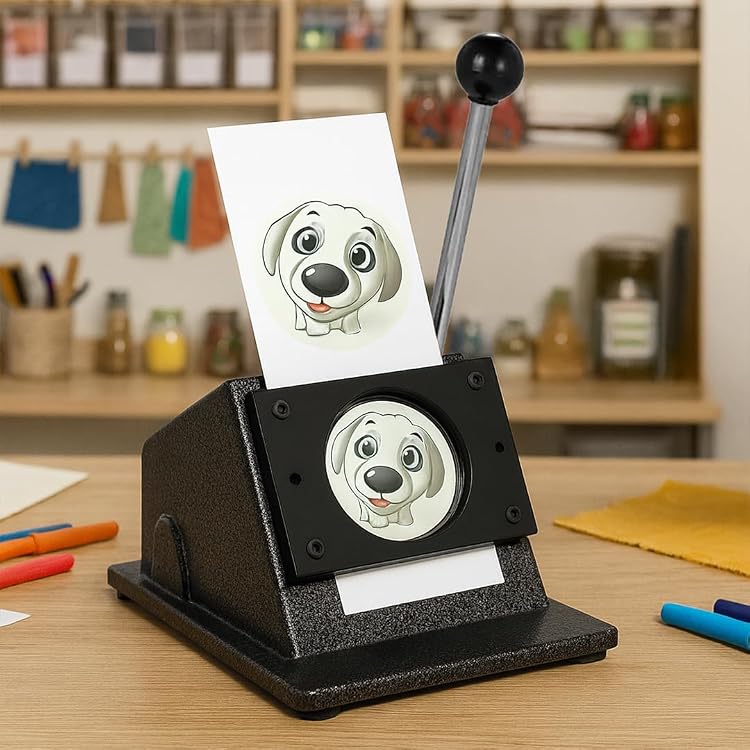
Place your printed artwork over the cutting area, line it up with the guide, then press the long handle down firmly. The non-slip base helps keep the tool steady as you cut. For a small business, classroom activity or craft session, that straightforward process makes it easier to prepare multiple pieces in sequence.
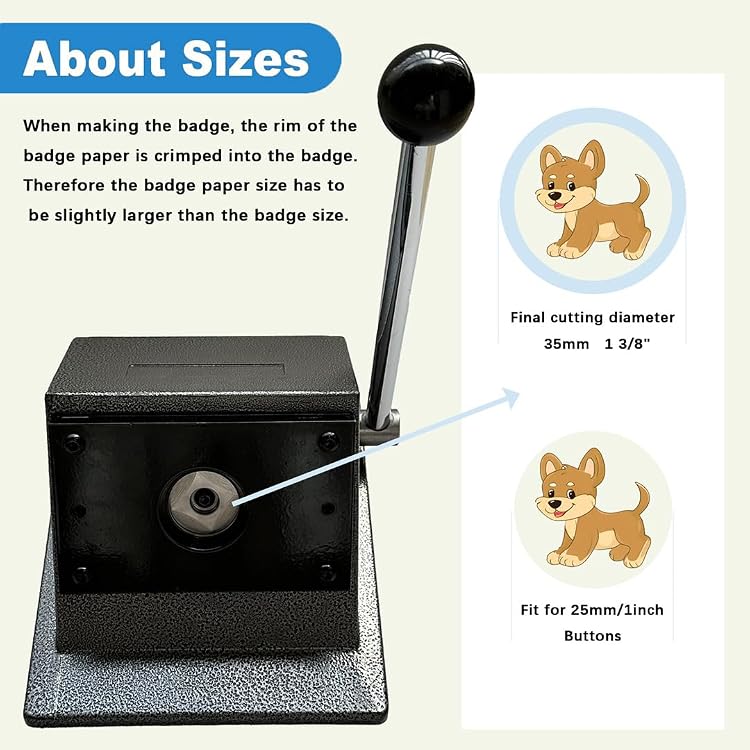
If your project calls for uniform badge inserts, a fixed-size punch offers a different approach from shaping each circle by hand. For freeform paper projects that need varied outlines, hand cutting offers more flexibility, for repeated 35 mm circles, this cutter provides a consistent format.
Benefits
The all-metal construction and long handle are designed to provide leverage during manual cutting. That gives you a practical, hands-on way to prepare circles, while the ergonomic handle is intended to reduce hand fatigue during use. The alignment guide supports accurate placement, and the stable base helps keep the cutter in position as you work.
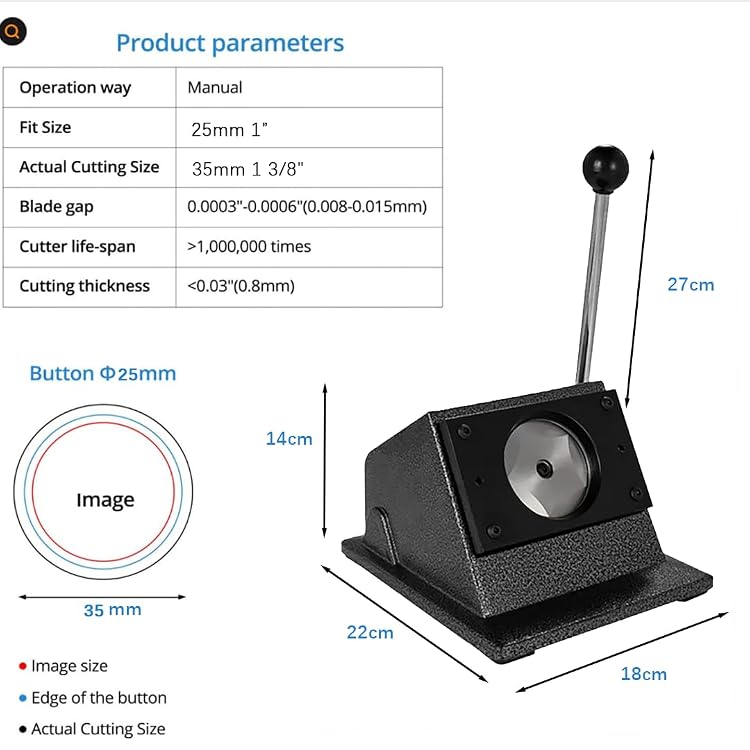
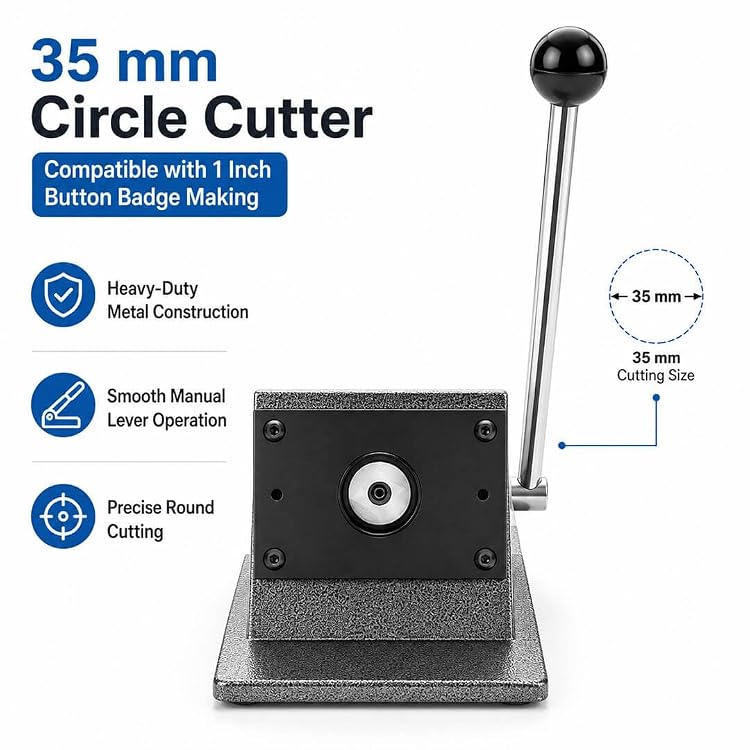
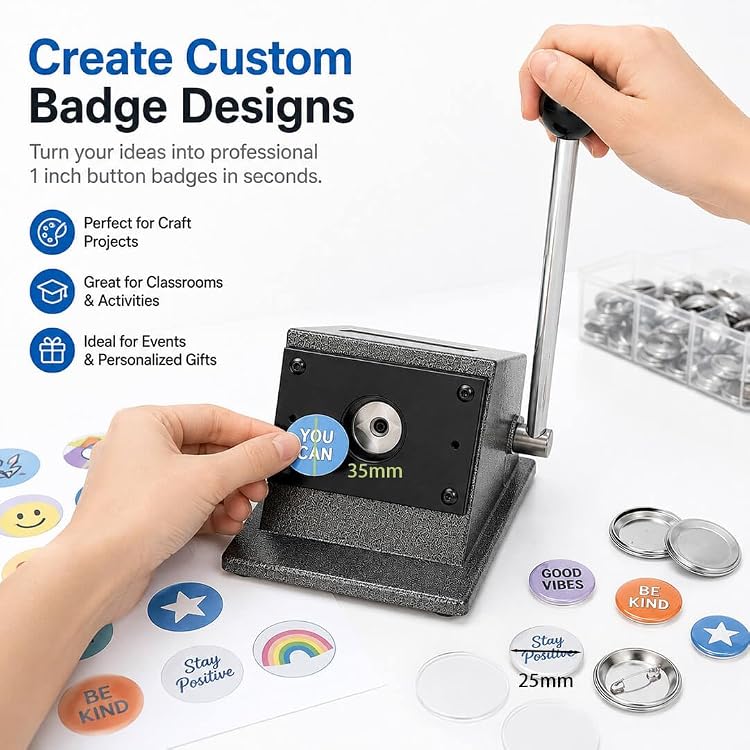
Use it for paper, photo cardstock, thin leather or PVC sheets, including materials for button making, scrapbooking, classroom projects and DIY decorations. A typical project might involve punching printed designs into matching circles before assembling a set of buttons or badges. The same fixed size also helps keep a series of craft pieces visually consistent.
Quick overview
- Type: Manual circle punch cutter
- Material: Metal
- Colour: Silver
- Cutting size: 35 mm
- Button size: 25 mm
- Compatible materials: Paper, photo cardstock, thin leather and PVC sheets
- Included components: Cutting base and handle
What to clarify
What size circle does the cutter make? It cuts circles measuring 35 mm. The product is intended for artwork used to make 25 mm buttons, so match the cut size to your button-making project before preparing a batch.
Which materials can it cut? It is described for paper, photo cardstock, thin leather and PVC sheets. Position the chosen material over the cutting area and use the alignment guide to place the design before pressing the handle.
How do you operate it, and what comes with it? Place the artwork in the cutting area, align it, then press the handle down firmly. The listed components are the cutting base and handle.
Buying verdict
For crafters, teachers and small businesses preparing artwork for 25 mm buttons, this manual punch brings a useful combination of a defined 35 mm cut, alignment guidance and a steady base. Choose it when consistent circles across paper-craft or badge-making projects matter more than freeform cutting.