

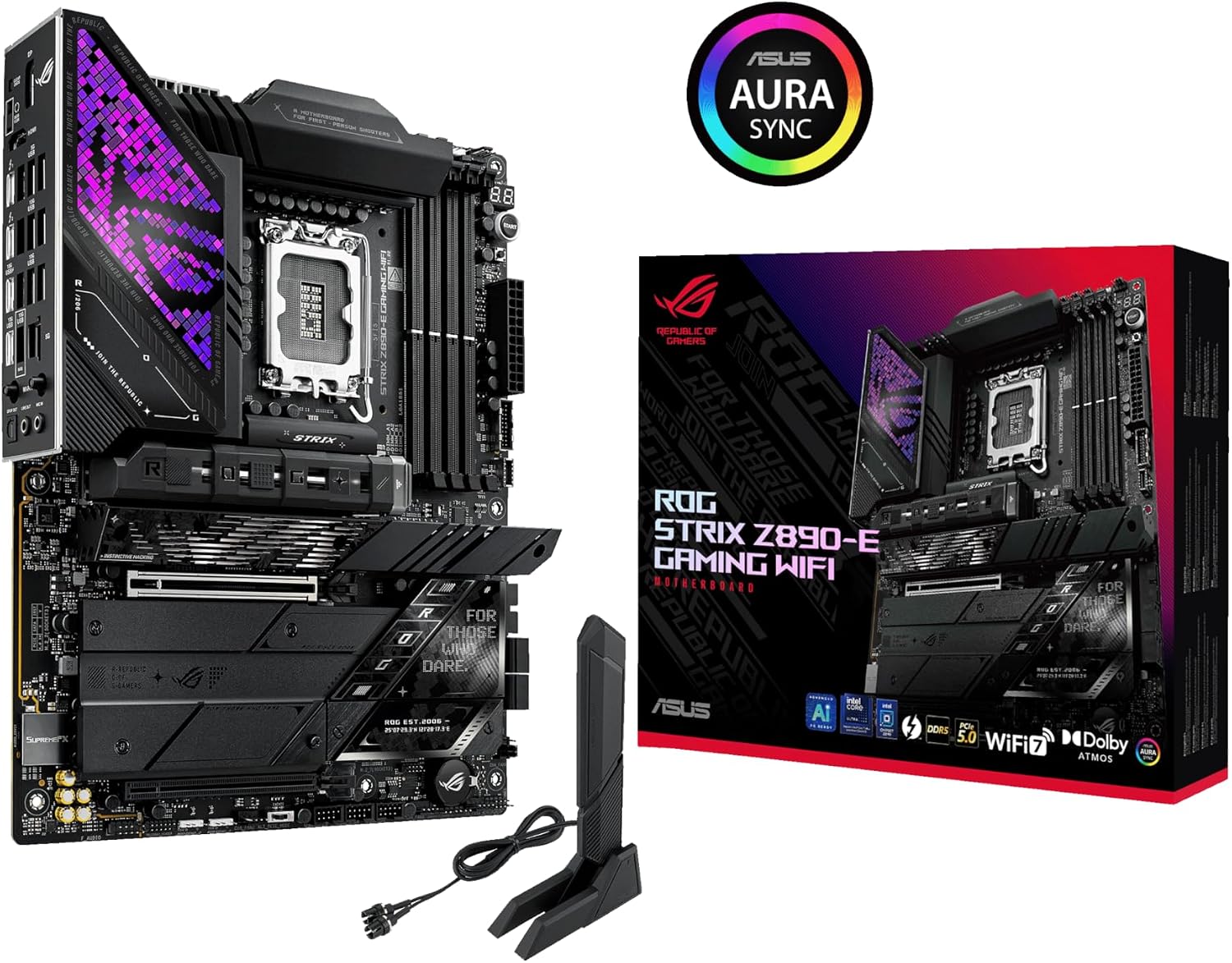
ASUS ROG Strix Z890-E Gaming WiFi ATX Motherboard with DDR5, Wi-Fi 7 and 7 M.2 Slots
Reviews
Price
Product description
A PC build centred on fast, flexible storage has different priorities from one focused on straightforward processor and memory setup. The ASUS ROG Strix Z890-E Gaming WiFi brings both considerations together on an ATX motherboard. Its seven onboard M.2 slots and DDR5 support give builders room to plan a feature-rich system. Wi-Fi 7 and onboard AI tools add useful options for networking and setup.
Technical overview
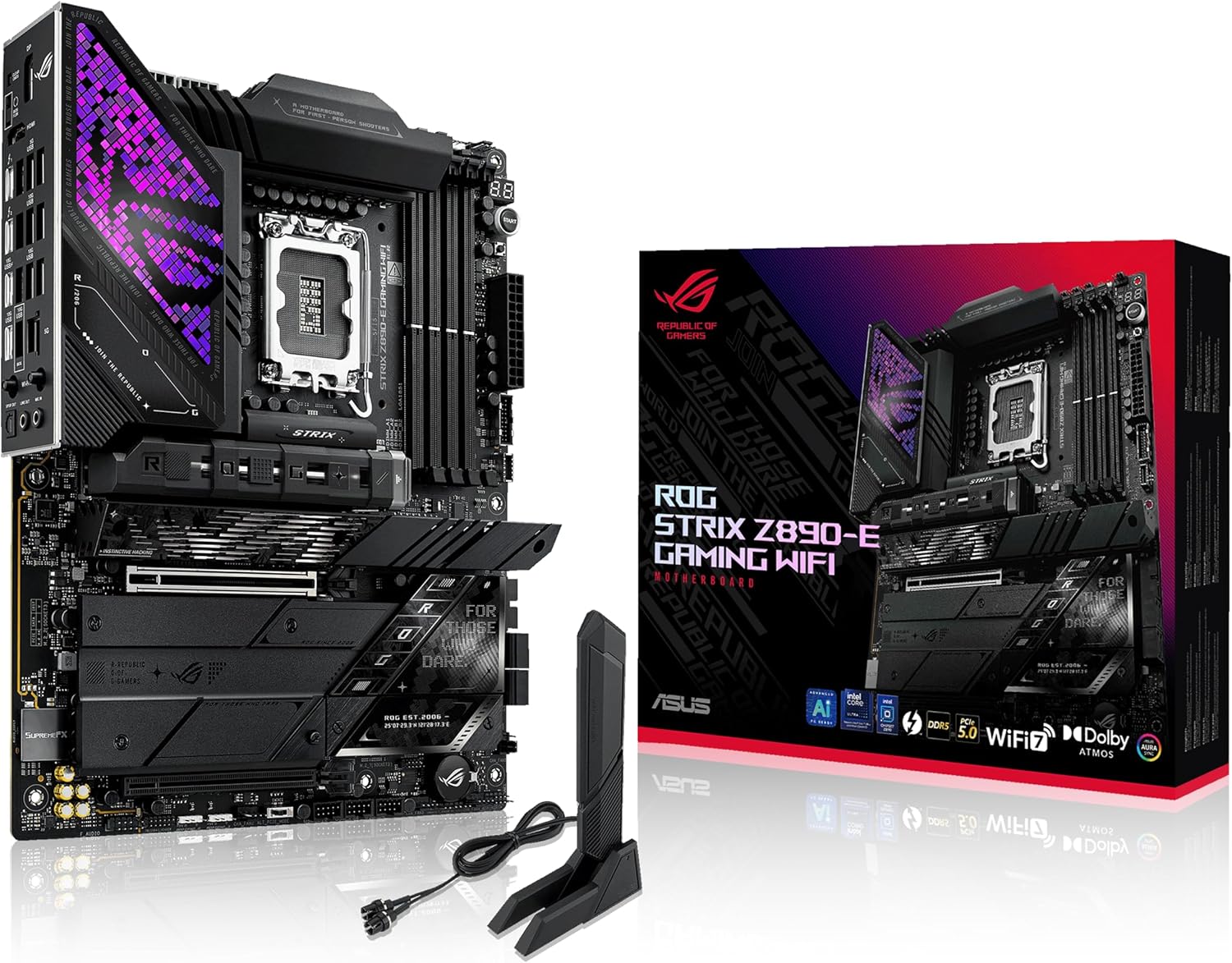
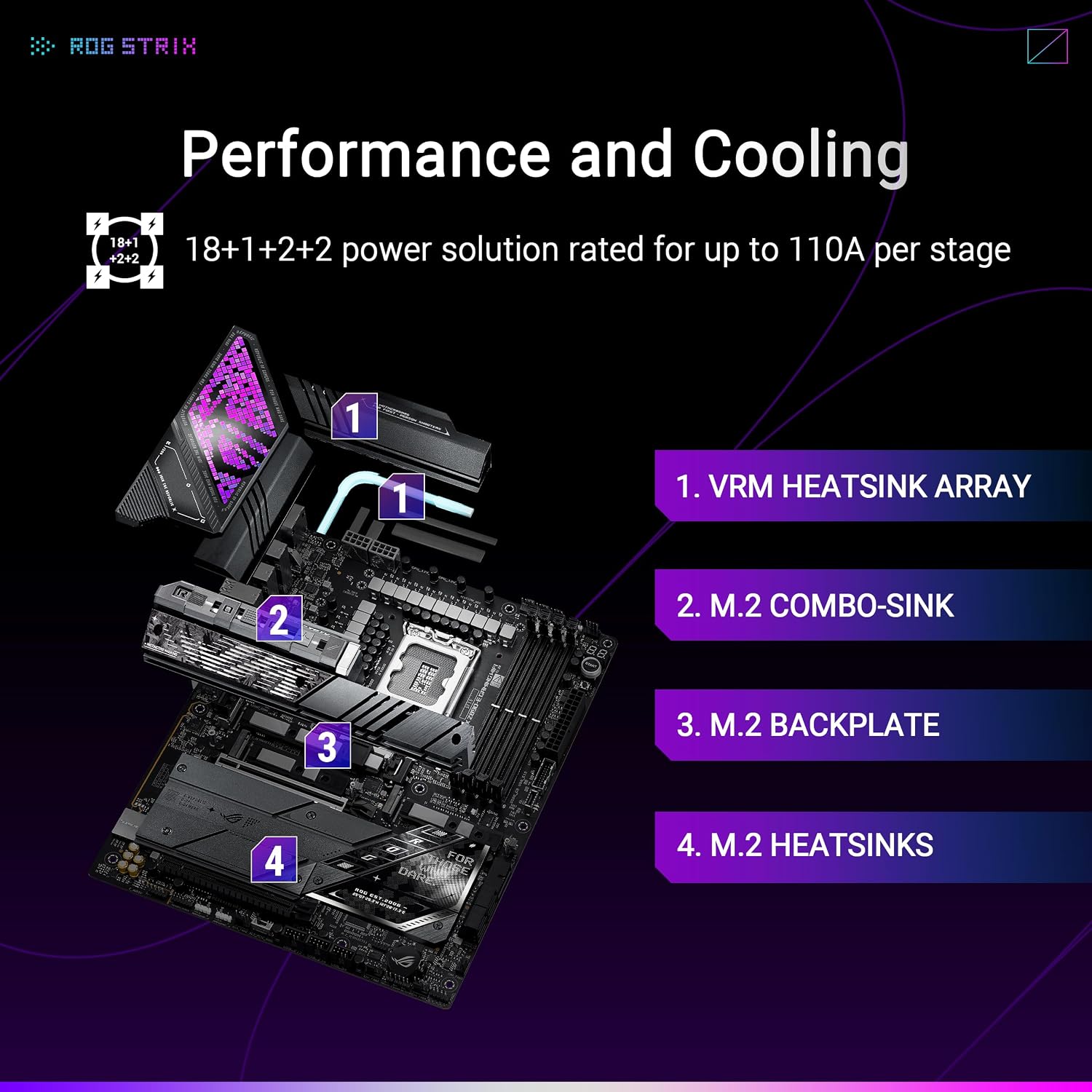
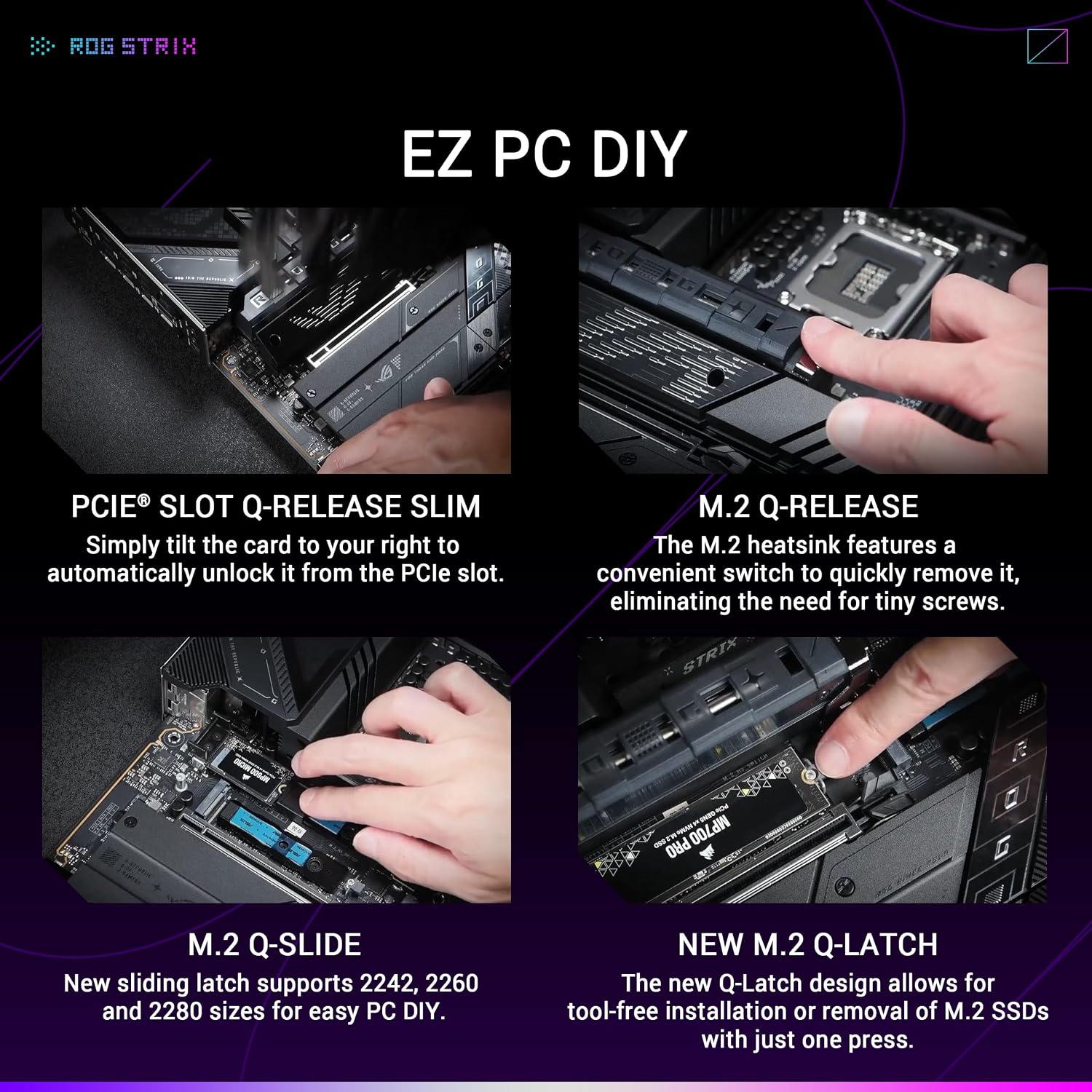
The Intel Z890 chipset and LGA 1851 socket are the foundation for a system using an Intel Core Ultra processor (Series 2). For storage expansion, the board has seven M.2 slots: three support PCIe 5.0 and four support PCIe 4.0. This mix lets you choose faster-generation storage for key tasks while retaining additional slots for more drives. Each M.2 slot has a cooling solution, and the heatsink’s quick-release mechanism makes SSD installation more convenient than working with tiny screws.
- Format: ATX motherboard
- Memory: DDR5
- Networking: Wi-Fi 7 and Realtek 5 Gb Ethernet
- Connectivity: Thunderbolt 4 and USB Type-C
- Storage: Seven onboard M.2 slots, including three PCIe 5.0 and four PCIe 4.0
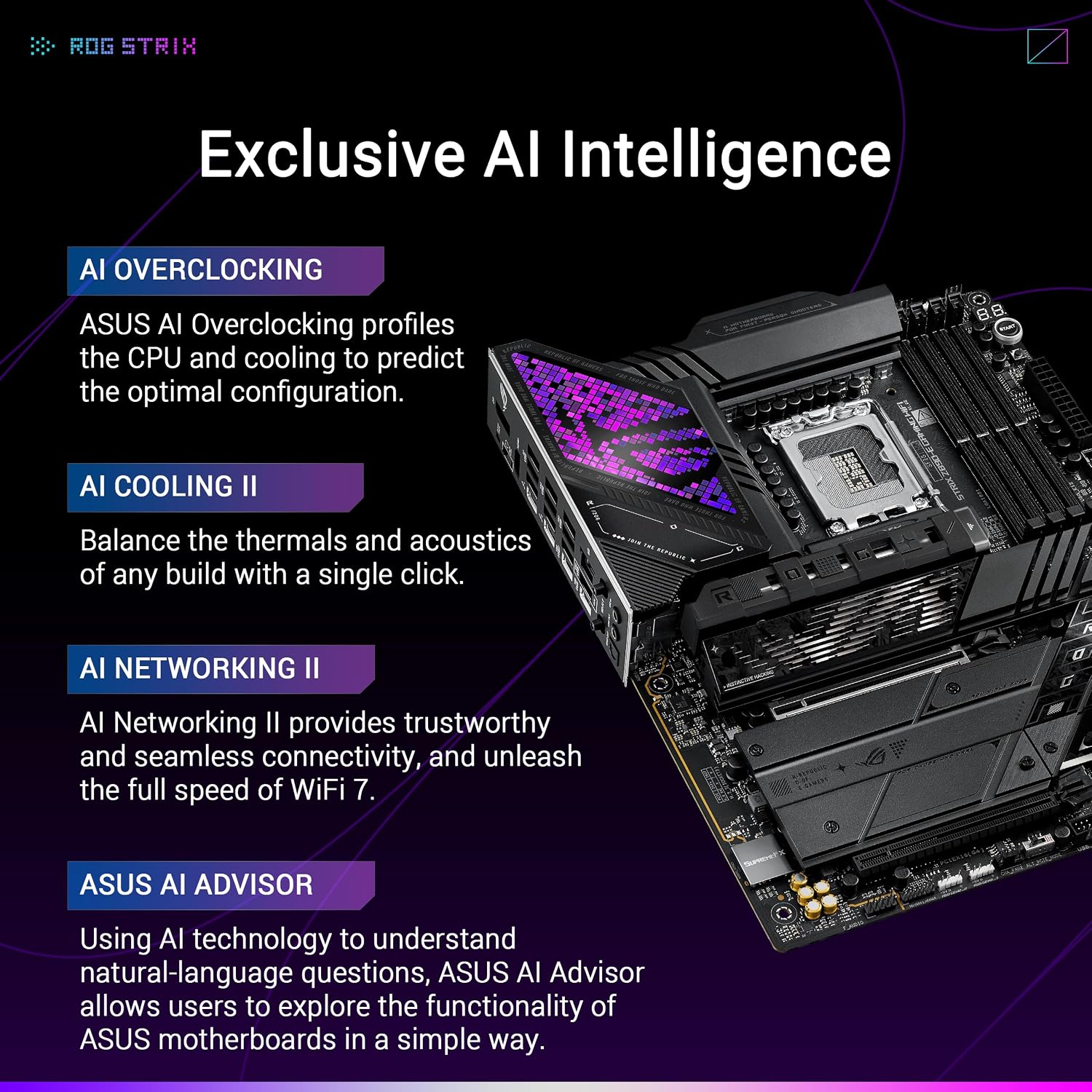
The board also includes ASUS AI features for overclocking, cooling and networking. AI Overclocking profiles the processor and cooling to suggest a configuration, while AI Cooling II and AI Networking II provide further system-management tools. ASUS AI Advisor offers natural-language guidance about compatible ASUS motherboard features, including one-click optimization options.
Everyday compatibility
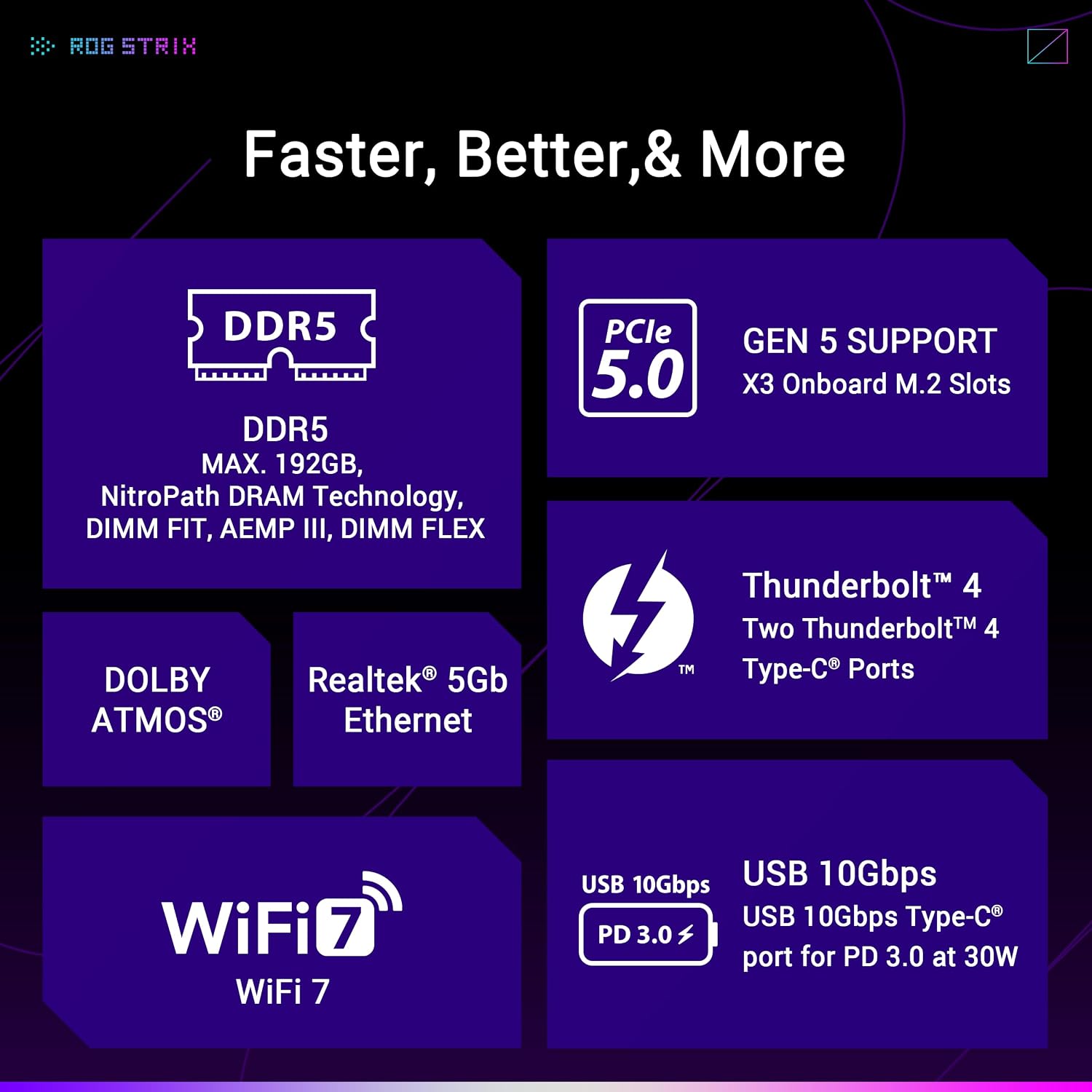
Pair the LGA 1851 socket with an Intel Core Ultra processor (Series 2) and build around DDR5 memory. Wi-Fi 7 provides a wireless networking option, while Realtek 5 Gb Ethernet offers a wired connection. For a system that will grow over time, the seven M.2 positions are a practical differentiator: they provide more onboard SSD capacity choices than a build centred on fewer M.2 drives. The board also lists PCI Express graphics-card support, Thunderbolt 4 and USB Type-C for a range of system connections.
How to use it
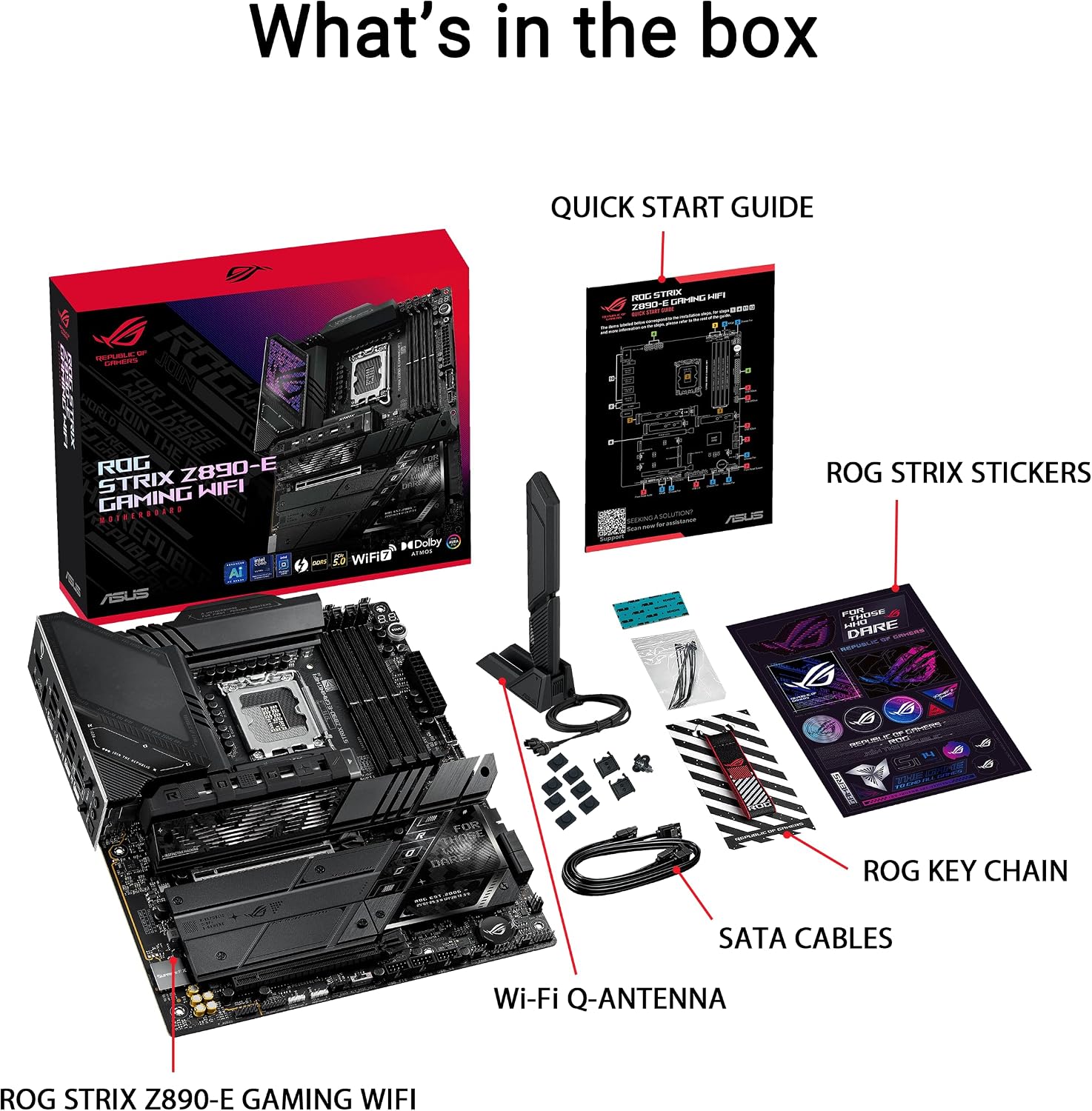
Plan the processor, DDR5 memory and storage around the motherboard before assembling the PC. Install SSDs in the M.2 positions that suit your storage plan, the board’s M.2 heatsink release is designed to simplify access during installation. Once the system is assembled, ASUS AI tools can help guide configuration: AI Overclocking provides a predicted CPU and cooling profile that can be applied automatically or used as a starting point for further adjustments. For wireless setup, the Q-Antenna connection is designed to snap into place. Buyers often praise the board’s appearance, features and perceived performance, while feedback on port selection and installation is more mixed.
What to clarify
Which processors are compatible? The LGA 1851 socket is designed for Intel Core Ultra processors (Series 2), making that the processor family to select for this board.
How many M.2 drives can it support? There are seven onboard M.2 slots: three are PCIe 5.0-ready and four use PCIe 4.0. Each has a cooling solution.
What does ASUS AI Advisor do? Owners of compatible ASUS motherboards can use natural-language questions to get guidance on hardware and features such as AI Overclocking and AI Cooling II.
When it makes sense
It makes sense if you’re planning an Intel Core Ultra (Series 2) desktop and want storage expansion to be part of the motherboard choice from the start. Seven onboard M.2 slots, Wi-Fi 7, wired 5 Gb Ethernet and hands-on AI configuration tools make the ROG Strix Z890-E suited to builders who want a connected, upgrade-ready foundation for a gaming or enthusiast PC.