

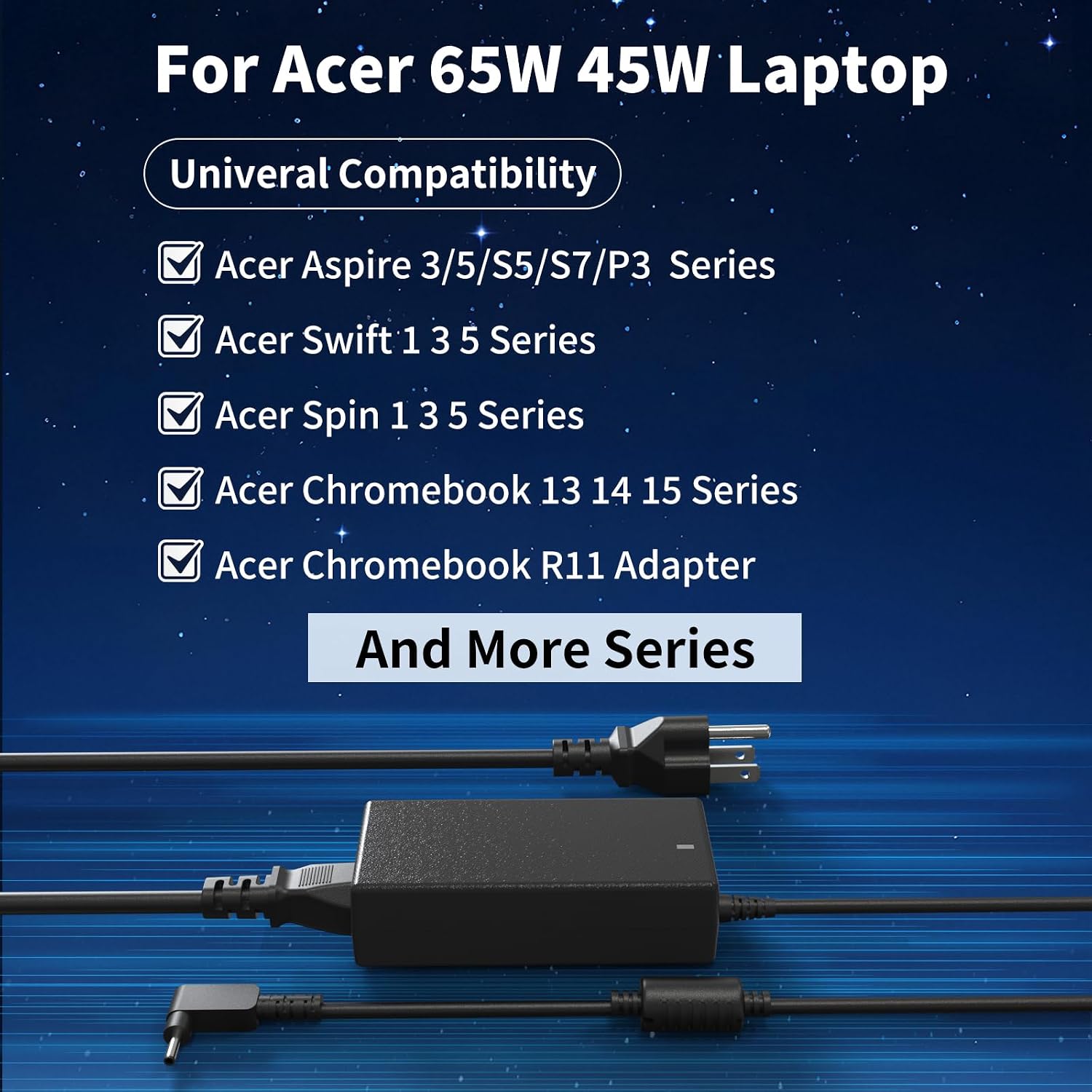
65W Laptop Charger
Product description
If you need a replacement adapter for one of the listed Aspire, Swift, Spin or Chromebook models, this 65W charger is worth considering. Its broad compatibility list is useful, but the exact laptop model and charging-port size matter more than the family name alone.
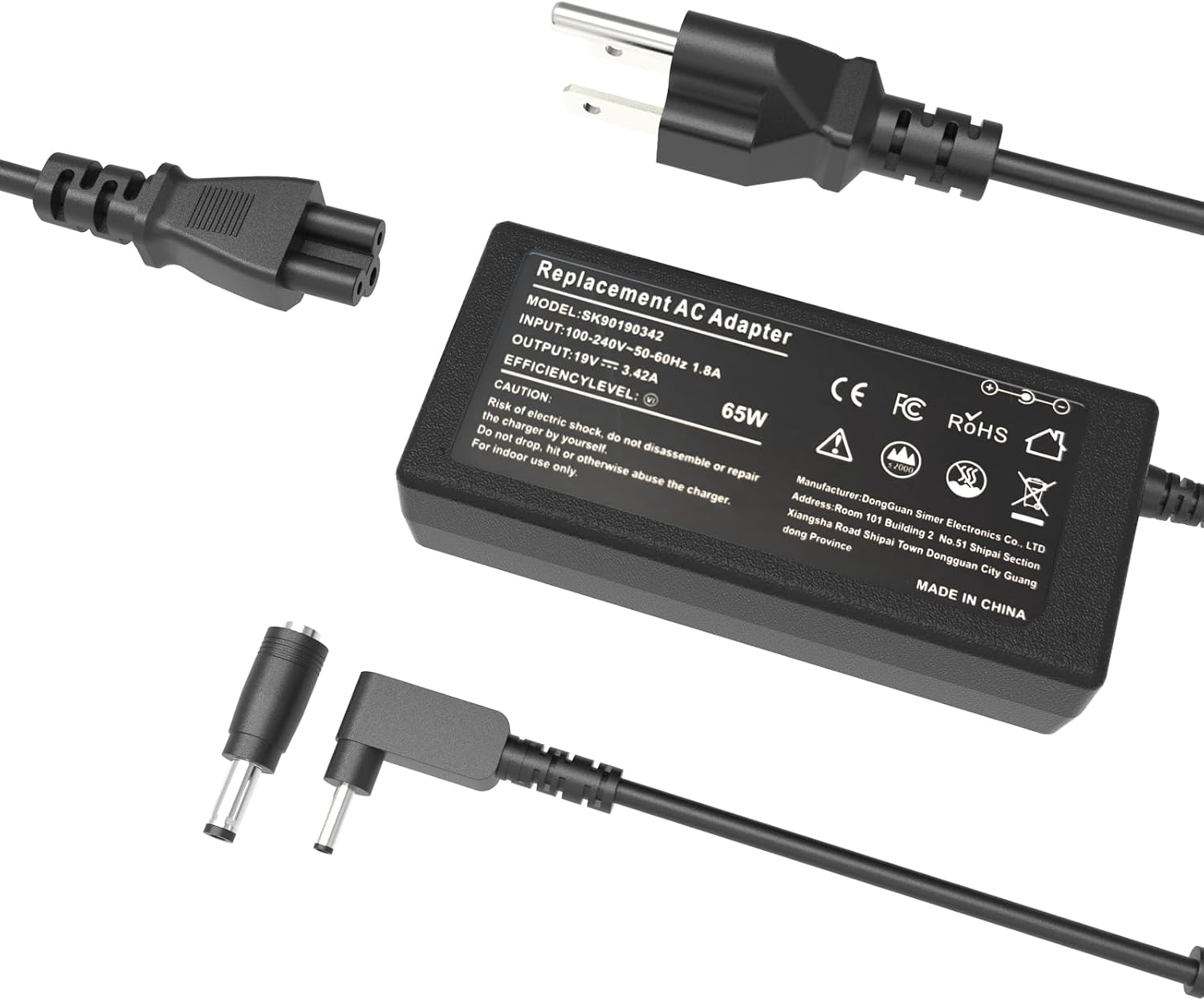
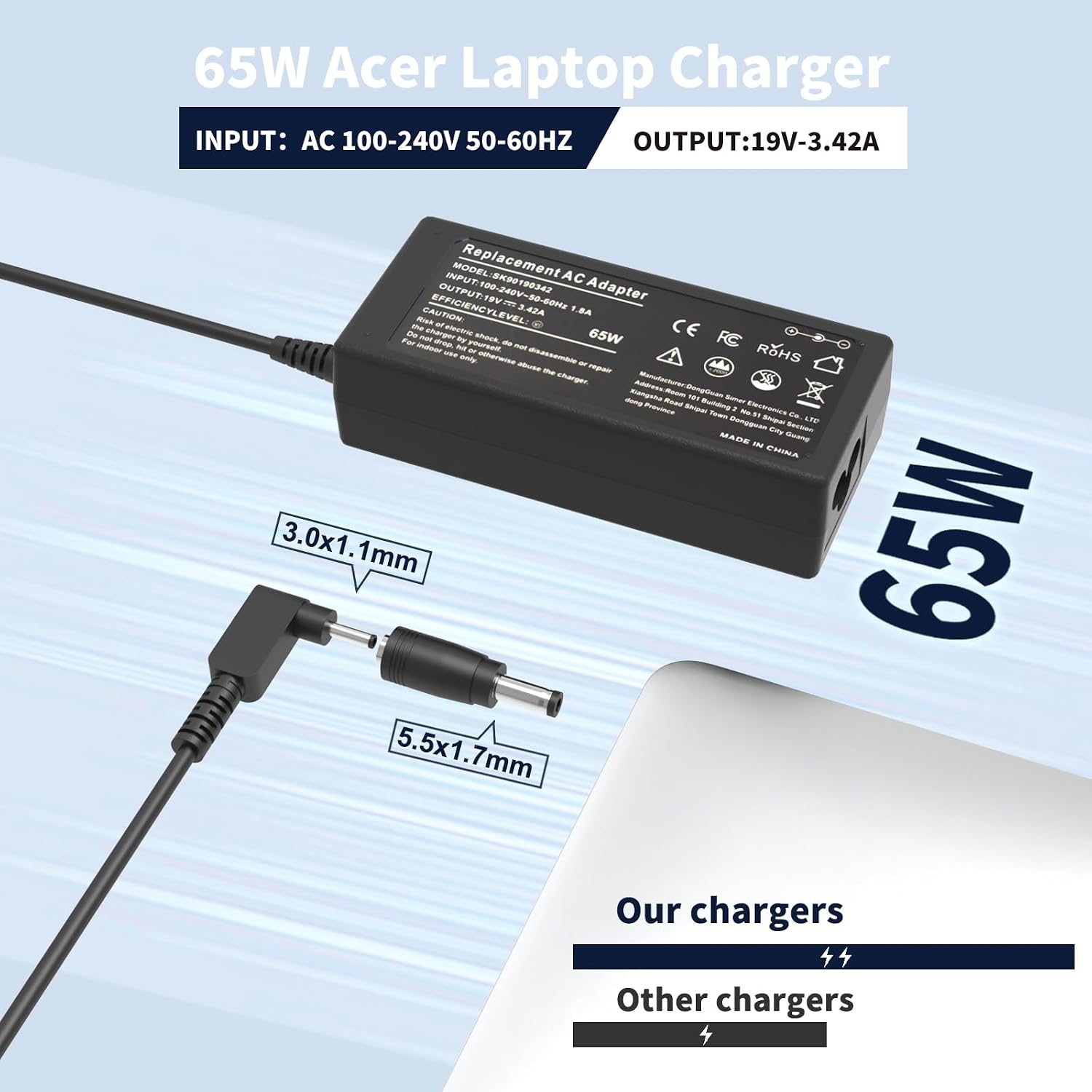
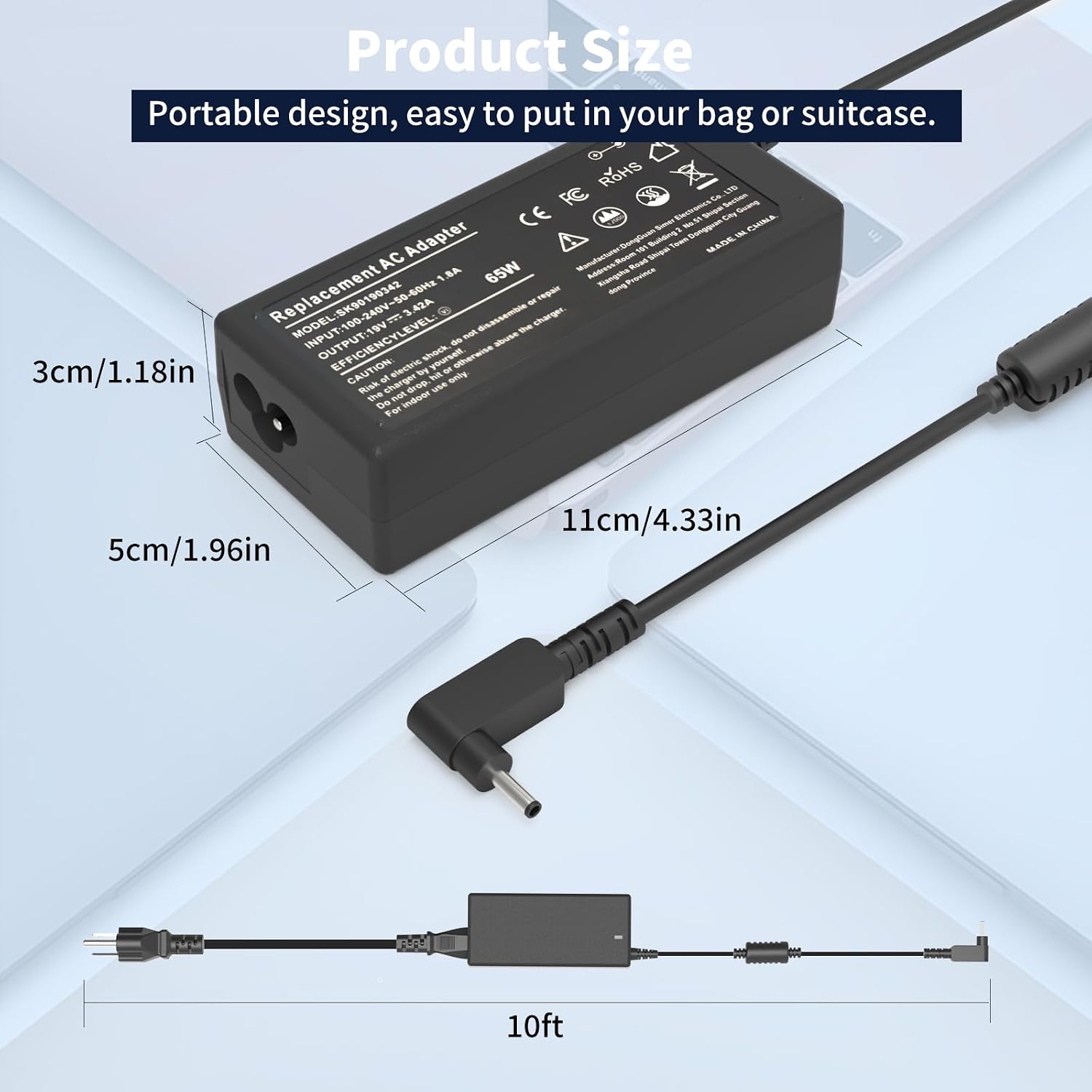
The adapter is rated at 19V, 3.42A and 65W, and the listing says it is compatible with 45W laptop chargers. It includes a power cable as well as the AC adapter.
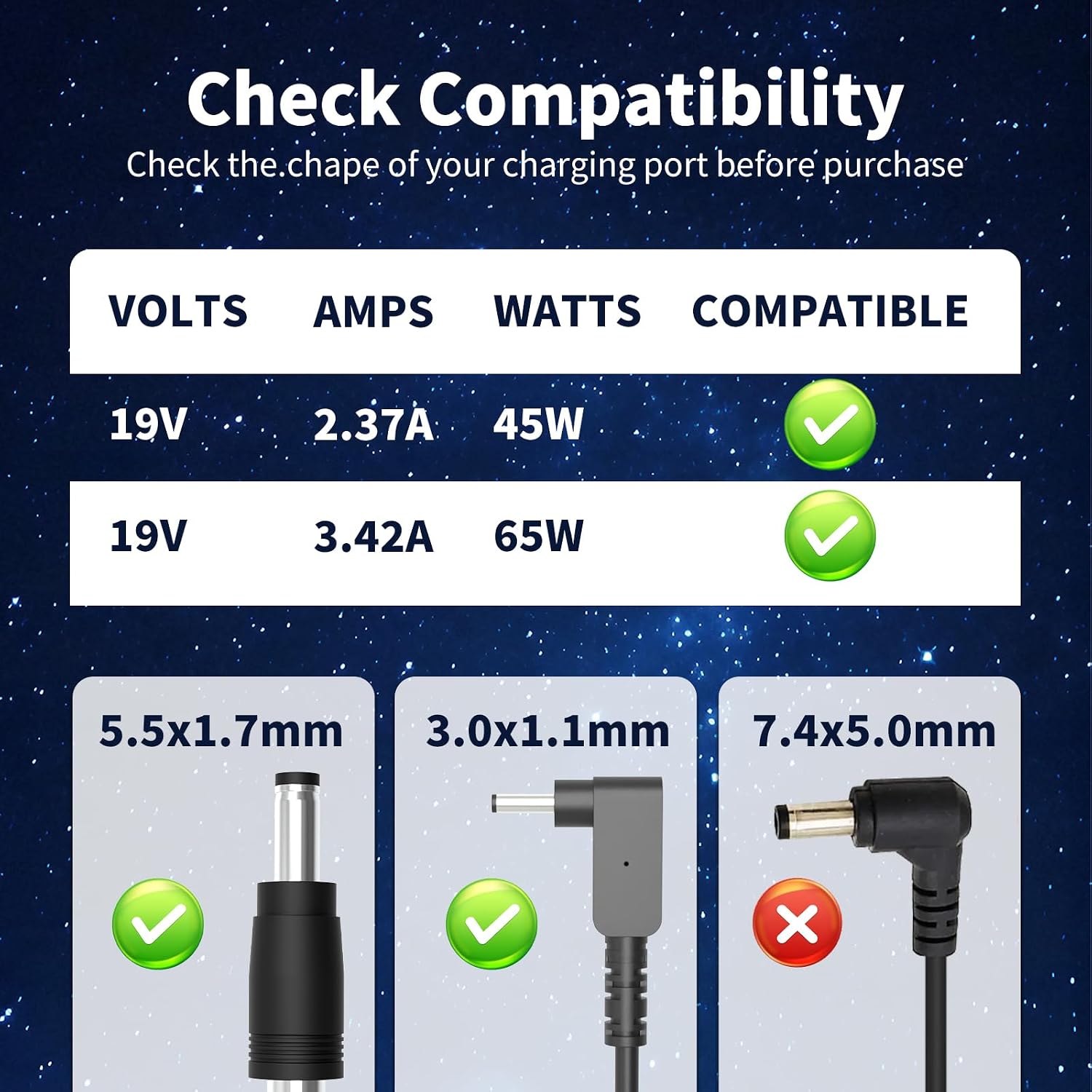
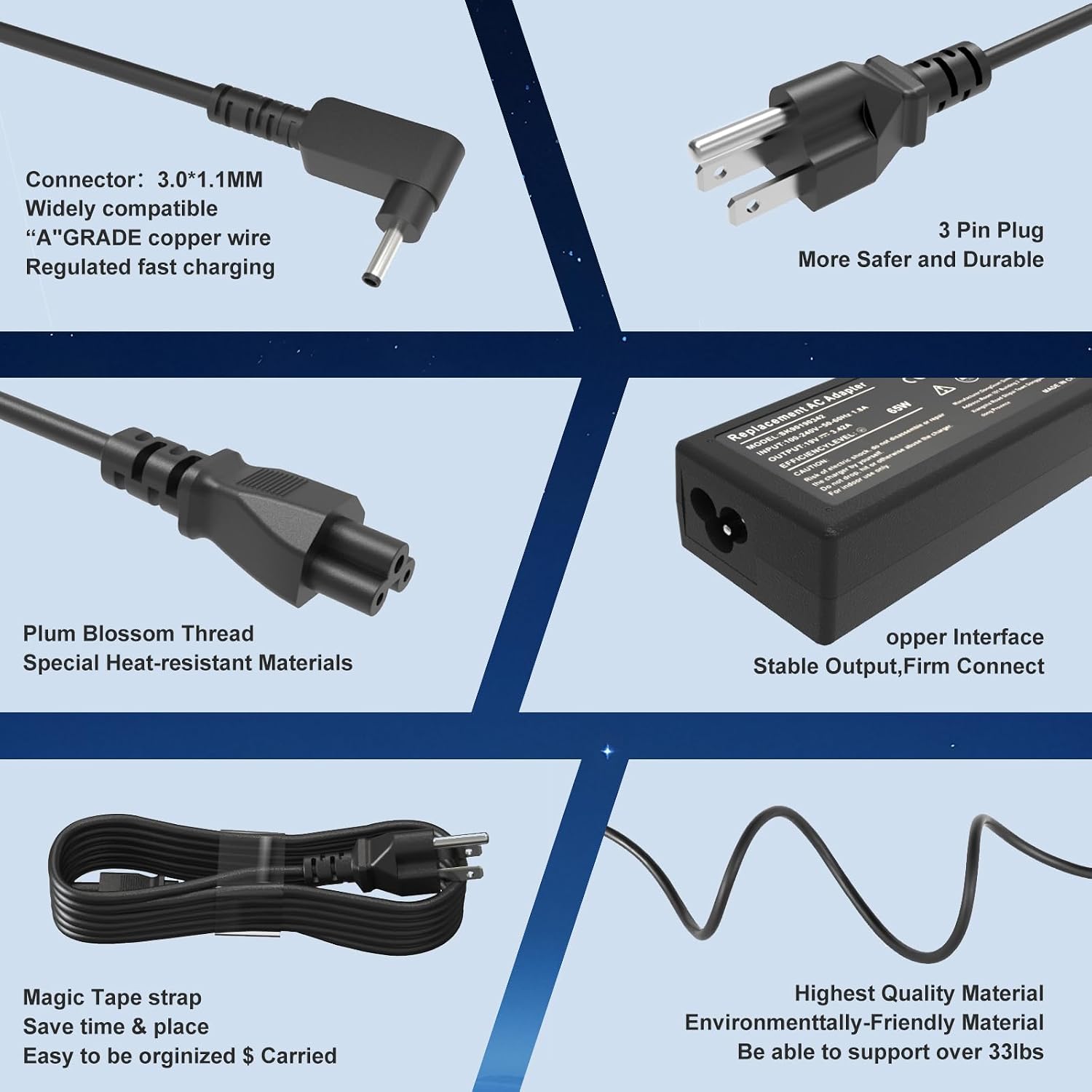
Before choosing it, match the connector to your computer. The listing gives two sizes: 3.0 mm × 1.1 mm and 5.5 mm × 1.7 mm.
What matters most
This is a replacement power adapter, not a universal fit for every laptop. The compatibility details name a wide range of Aspire 3 and 5 models, some Swift and Spin models, and a selection of Acer Chromebooks. They also list part numbers such as N20C5, N15Q8 and N16P1. Use those details to check your laptop’s exact model or existing adapter rather than relying on a broad series name.
Keep in mind that the two connector sizes are different, so a match on wattage alone does not confirm that the plug will fit. The product information does not make clear which connector is supplied for each listed model, check the charging port and the connector you need before ordering. Its input is listed as 100–240V, 50–60Hz, while the stated output is 19V, 3.42A, 65W.
How to use it
Connect the supplied power cable to the adapter, then use the matching plug with the laptop’s charging port. For example, if you’re replacing a missing charger before setting up your laptop at a desk, check the model number on the computer and compare it with the compatibility list, then confirm the port size against your original adapter or the laptop’s documentation. That small check can help avoid ending up with a charger that has the right rating but the wrong connector.
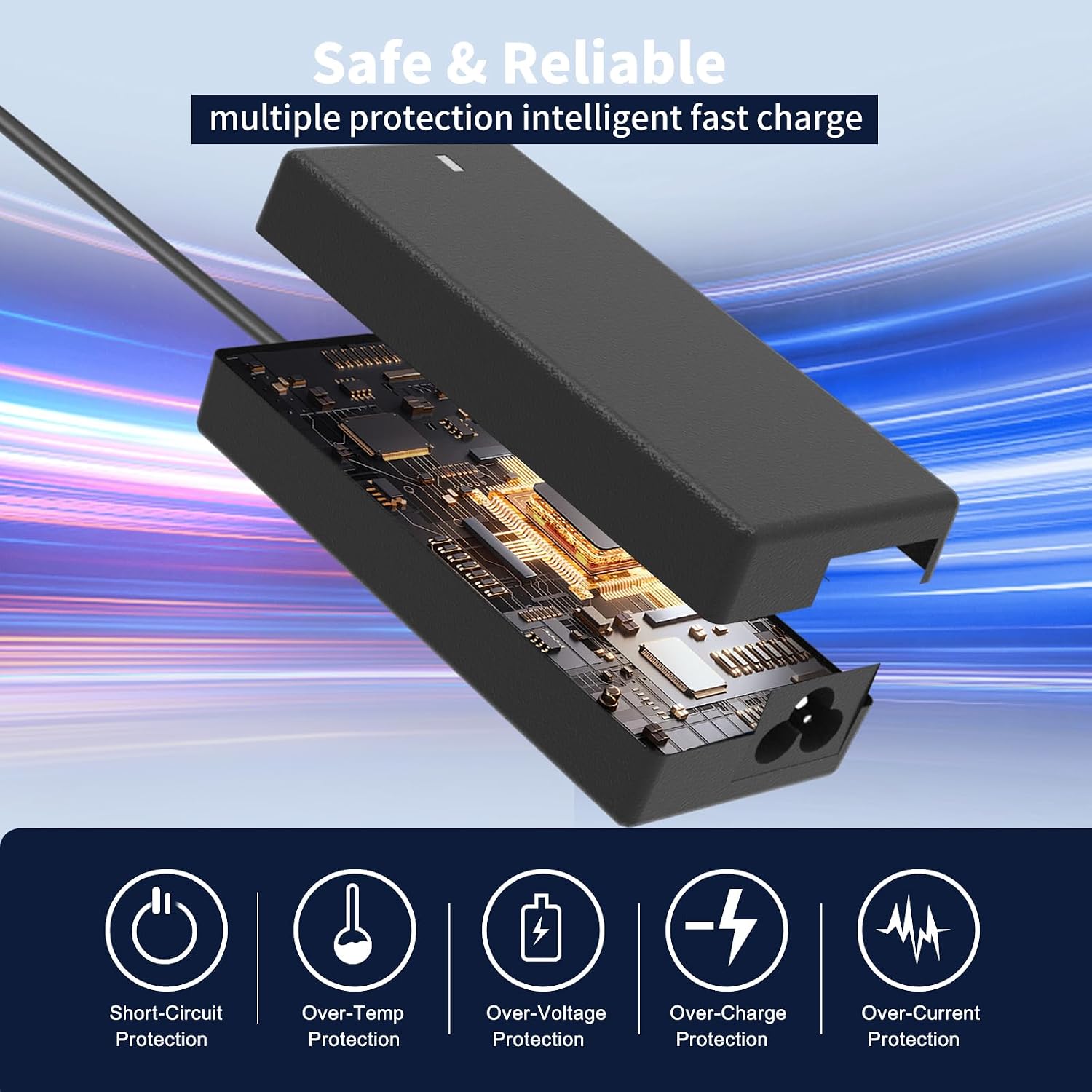
The listing describes protection against overtemperature, overcurrent, overvoltage and short circuits, as well as overload. These are manufacturer-stated protections, not a substitute for matching the charger to the device.
Practical tips
Treat the model list as a checklist, not a guarantee based only on the word “Aspire” or “Chromebook.” If your model is absent, don’t assume compatibility from a similar-looking number. The same goes for the part-number list: compare the full code where possible.
Could suit you if you’re replacing an adapter for a specifically listed model and have confirmed the connector size. It won’t suit you if you need a charger for a model that is not identified here, or if you cannot establish which of the two plugs your laptop requires. Compared with buying by laptop family alone, matching the model and port first is the safer approach.
Buying questions
What comes in the package? The listing specifies one 65W AC adapter and one power cable.
Can it replace a 45W charger? The product information says the 65W adapter is compatible with 45W laptop chargers. The laptop model and connector still need to match.
Which plug size should I choose? The listing names 3.0 mm × 1.1 mm and 5.5 mm × 1.7 mm, but does not identify which size goes with each model. Check your laptop’s port or existing charger before buying.
In your case
This charger makes sense when your exact model or part number appears in the compatibility details and the connector is confirmed. If either point is uncertain, choosing an adapter with clearly stated compatibility for your specific laptop is the more dependable route.