

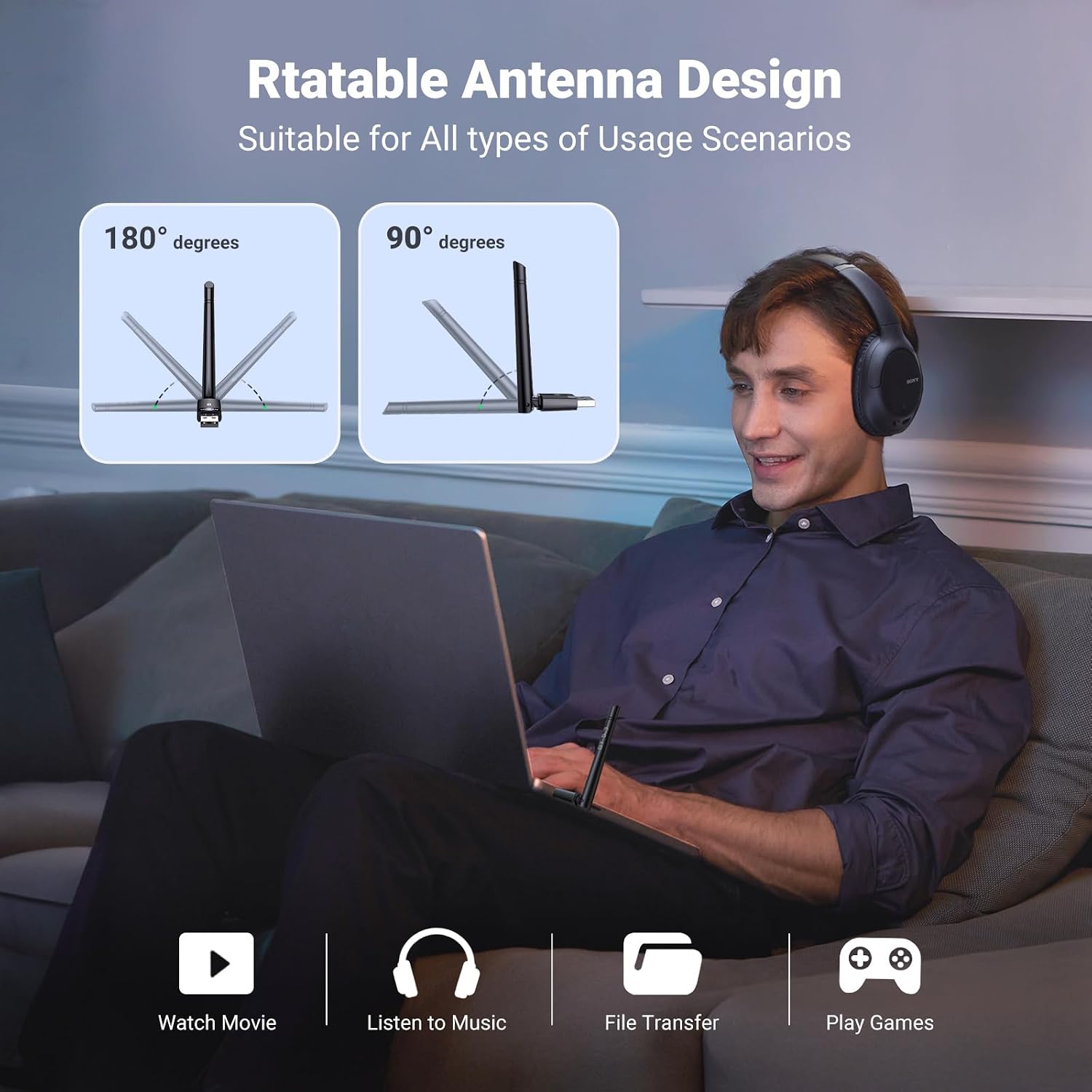
UGREEN Bluetooth 5.3 USB Adapter for PC, 328FT/100M Long-Range Dongle
Product description
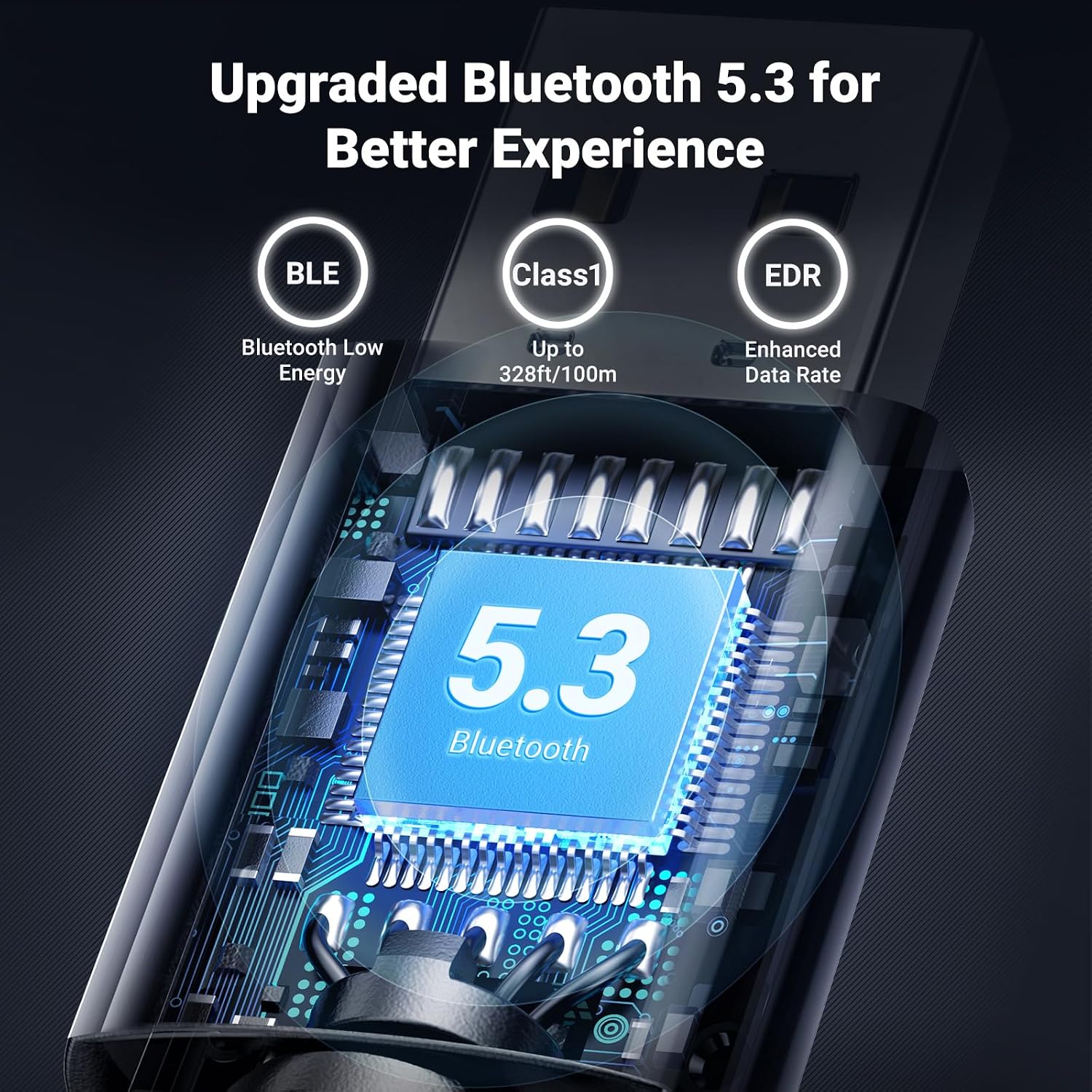
For desktop users looking to add Bluetooth for peripherals, the UGREEN USB adapter is presented as a dongle for mice, keyboards, headphones and speakers. It uses Bluetooth 5.3 and is advertised with a 328FT/100M range. Is that reach the main reason to choose it? Buyer feedback suggests checking your setup and expectations, rather than relying on the headline range alone.
Who it’s for
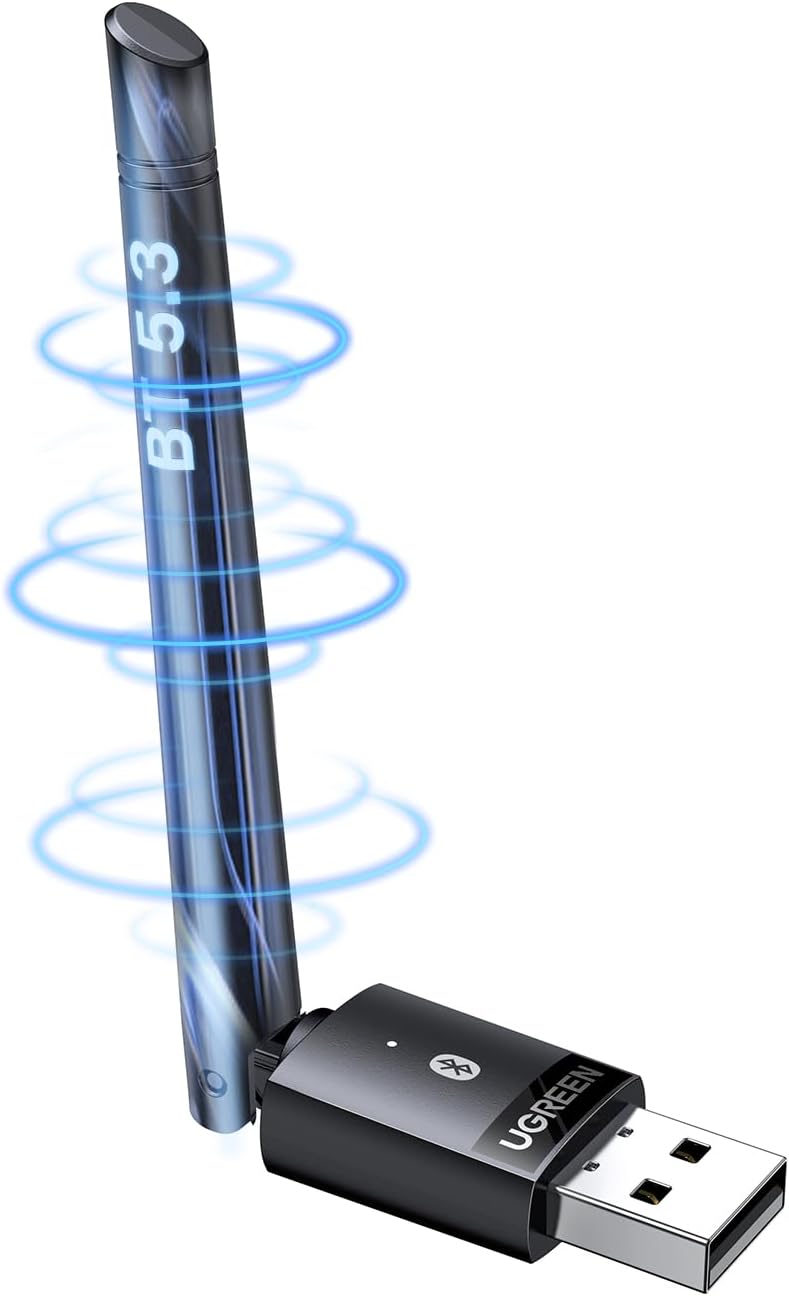
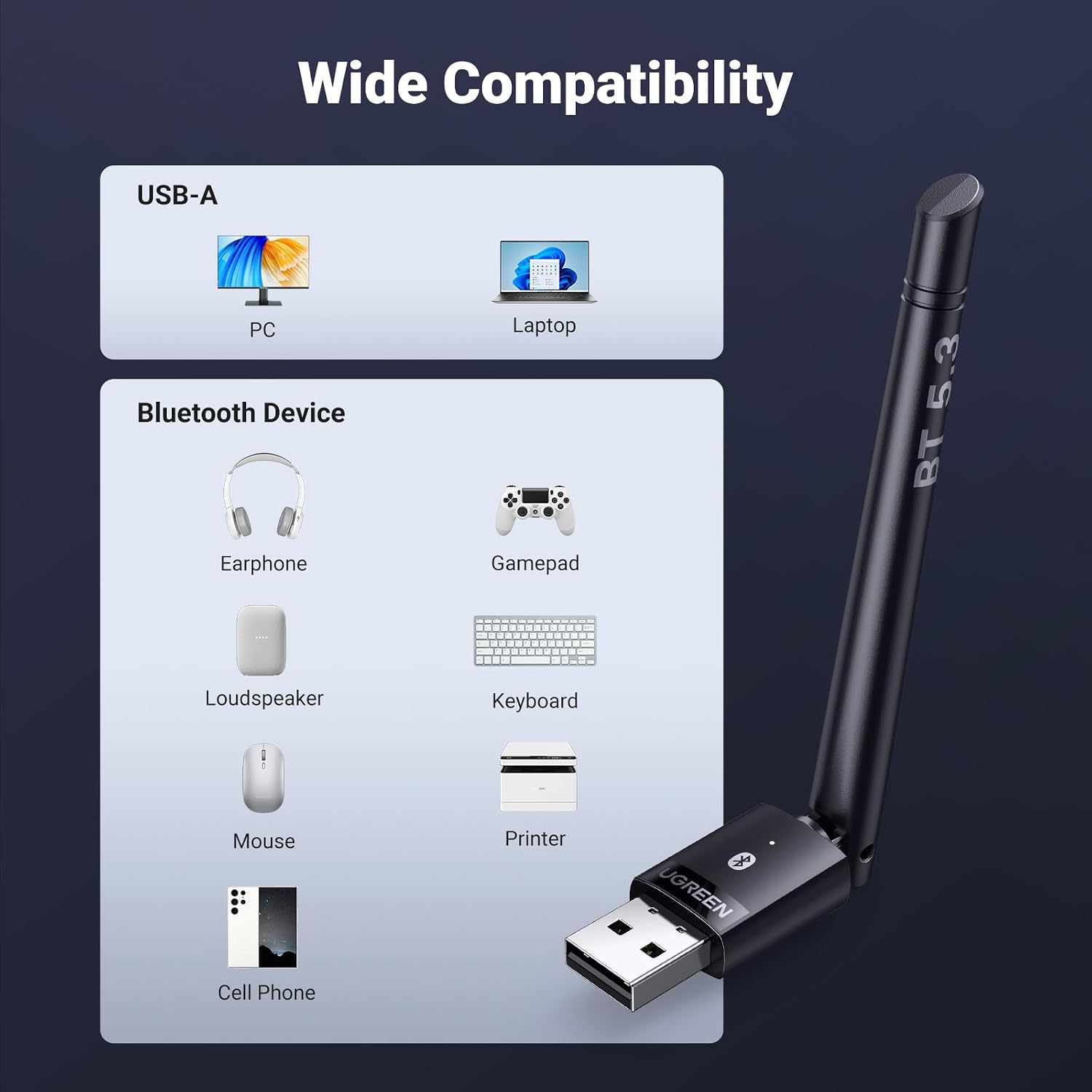
This adapter may suit someone who wants a USB-based way to connect Bluetooth peripherals to a desktop, rather than relying on built-in Bluetooth. The product name lists Windows 11, 10 and 8.1, and describes the dongle as a transmitter and receiver. That gives it a broad stated use, from a wireless keyboard at a desk to headphones or speakers connected to a computer. It makes sense if those are the devices you want to pair and you are comfortable checking that it works with your particular computer.
It is less straightforward for buyers who need assured support across different operating systems. Some customers describe easy, plug-and-play use, while others report compatibility or functionality problems. Linux support is also raised as a concern in buyer feedback, so Linux users should not assume it will work without further checks.
Spec sheet
- Name: UGREEN Long Range Bluetooth 5.3 Adapter for PC
- Type: USB Bluetooth adapter
- Connectivity: Bluetooth 5.3
- Advertised range: 328FT/100M
- Listed operating systems: Windows 11, Windows 10 and Windows 8.1
- Compatible devices: Desktop (with Bluetooth capabilities)
- Colour: Black
- Dimensions: 9.2L x 2.2W x 1.2H centimetres
- Described use: Bluetooth mouse, keyboard, headphones and speakers
Why it’s worth it
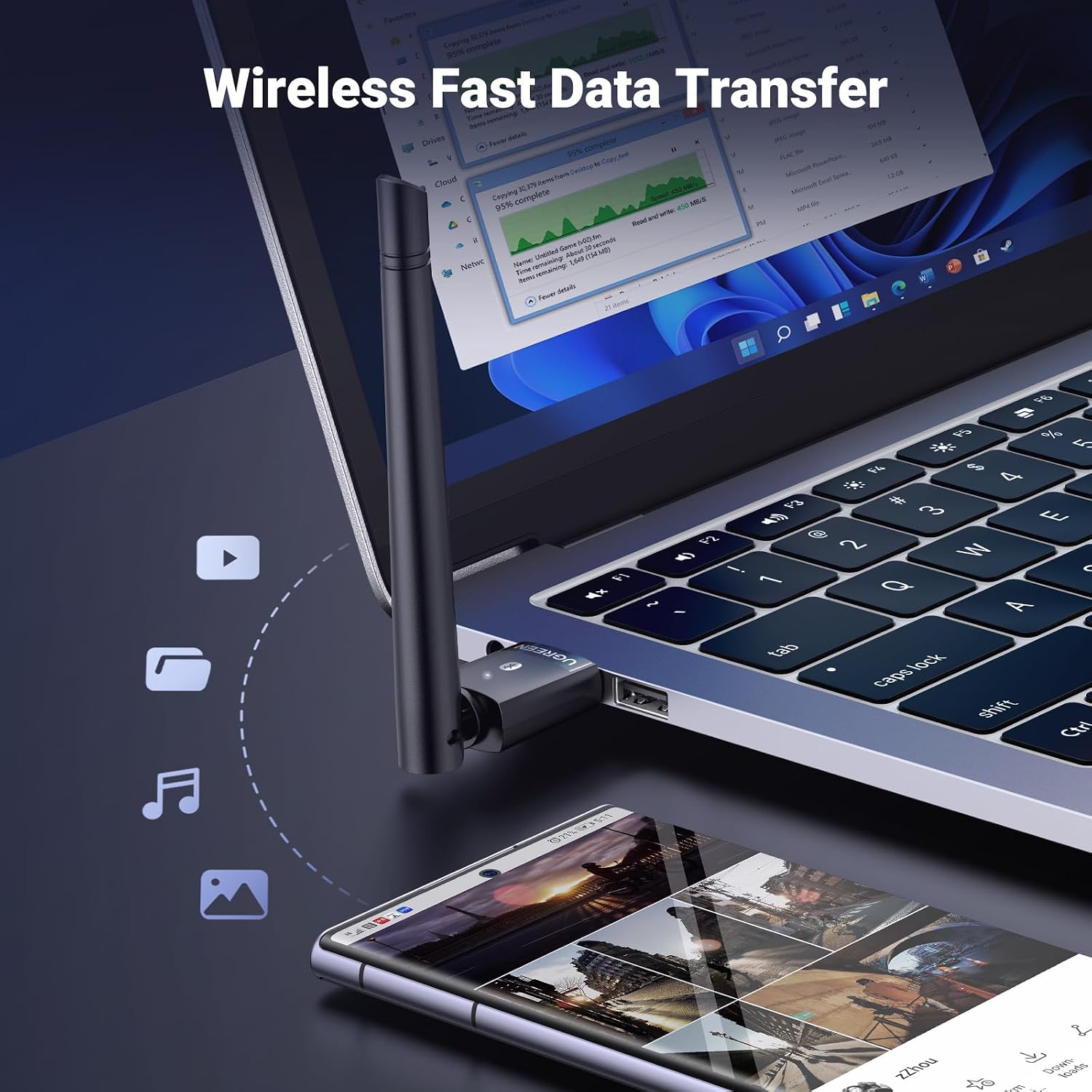
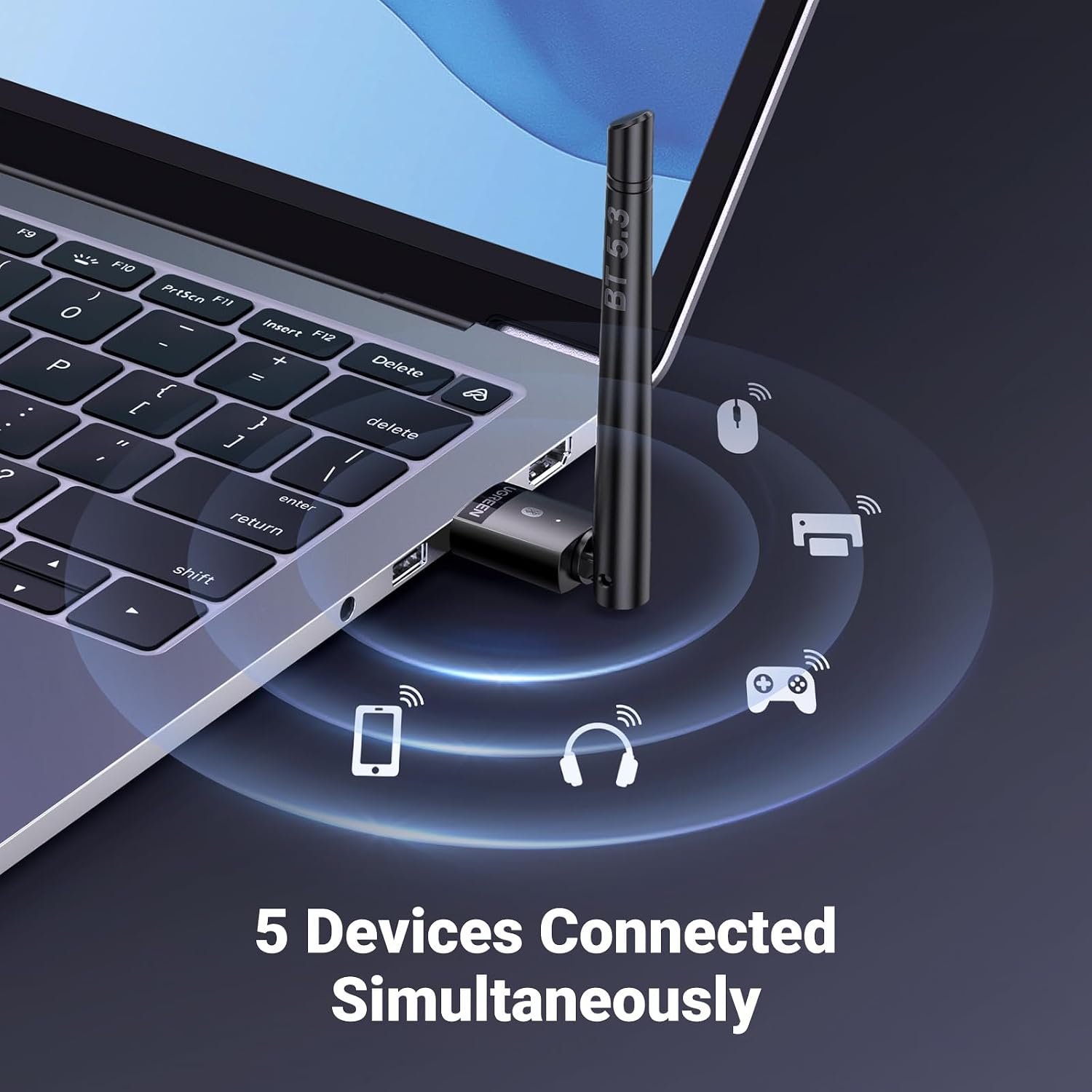
The appeal is convenience: one compact USB adapter is intended to connect several types of everyday Bluetooth peripheral, rather than requiring a separate solution for each. Some buyers say it is easy to use and represents good value, which matters if your aim is simply to add wireless connectivity for a desk setup. The product’s stated range may also interest people who want more flexibility in where they use connected devices, although that figure is an advertised specification, not a guarantee of performance in every room or computer setup.
Feedback is mixed on the points that matter most to a reliable adapter. Some customers report it works well across computers, while others say it stops working or has compatibility issues. Range also receives mixed comments, and some buyers raise durability concerns, including reports of the connector failing. Others mention missing drivers, including for Windows 11, that sits uneasily alongside Windows 11 being listed in the product name. These are buyer reports, not confirmed specifications, but they make compatibility and dependable long-term use worth weighing up.
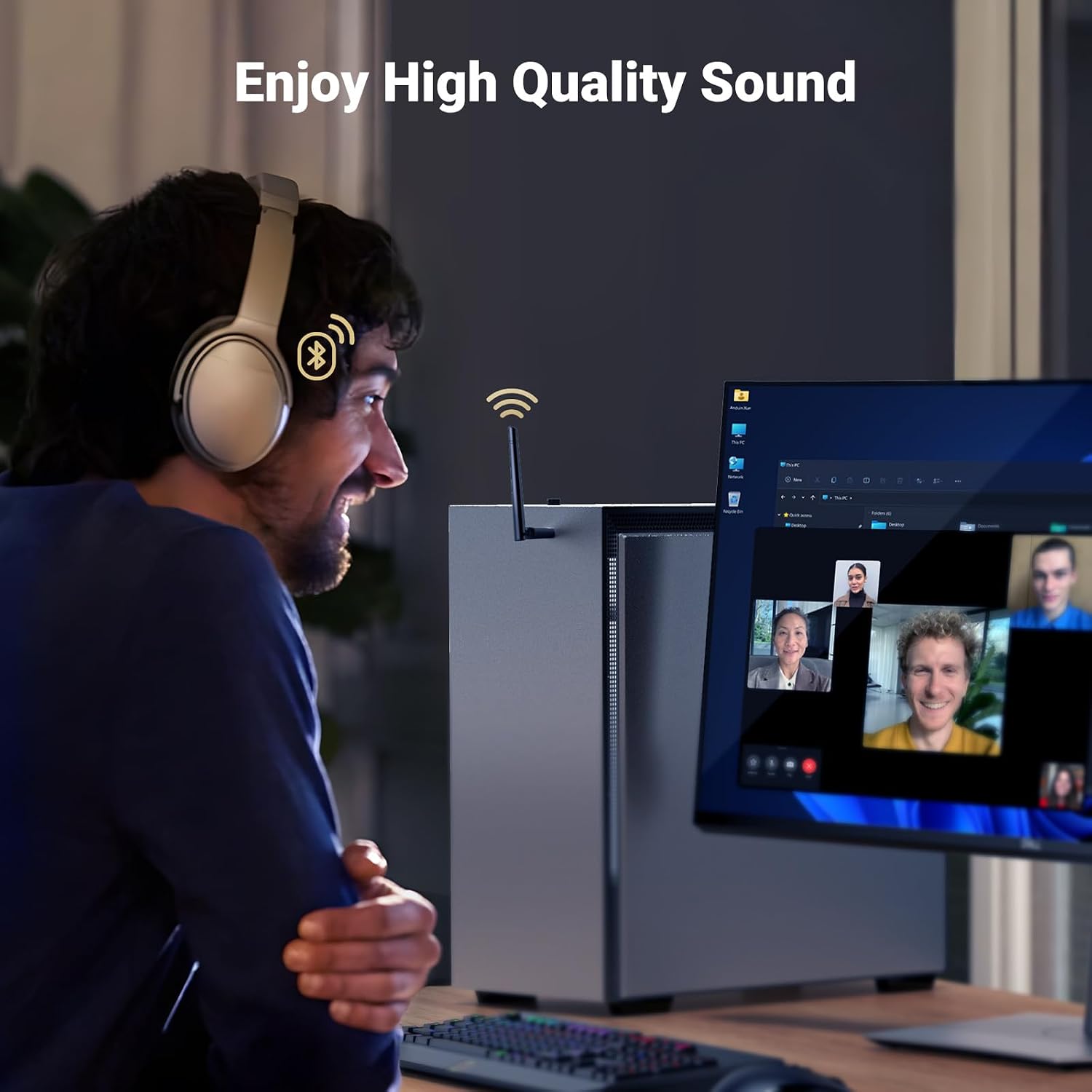
Compared with a desktop that already has dependable Bluetooth, this dongle is most relevant when you specifically need a USB adapter route. If consistent operation, Linux support or a proven long-range connection is essential, the feedback here does not establish those points with confidence. Not the best choice if you need assured Linux compatibility or dependable performance over the advertised range.
Should you buy it?
Consider the UGREEN adapter if you want a Bluetooth 5.3 USB dongle for common desktop peripherals and its stated Windows versions match your setup. The practical decision is whether the convenience and advertised range matter more to you than the uncertainty in buyer reports about compatibility, performance and durability. For a routine mouse or keyboard connection, it may be worth considering, for a setup where interruptions or operating-system support would be costly, look for clearer confirmation of compatibility before choosing.