

HP 780M Wireless Mouse with 4-Way Scrolling, USB-C Charging and 6 Buttons
Product description
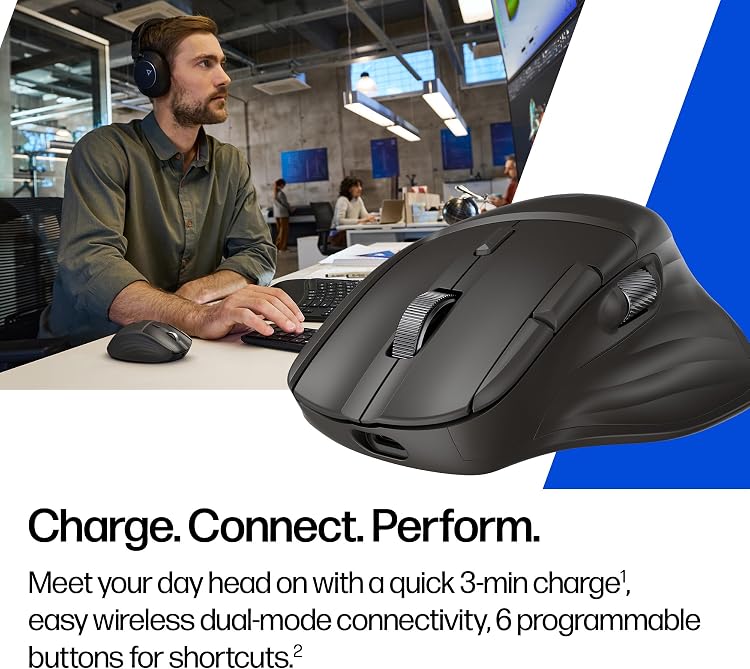
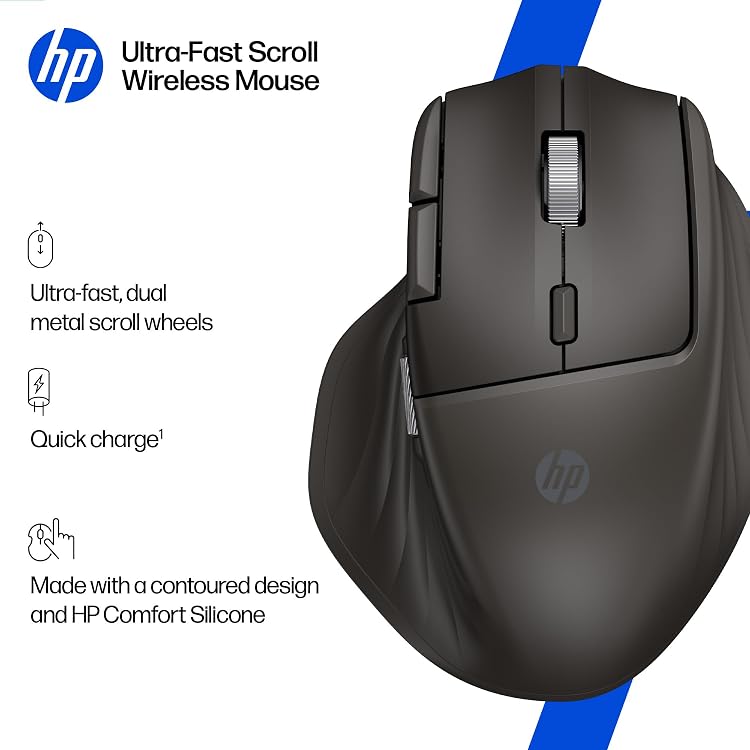
Move through wide spreadsheets, lengthy documents and everyday tasks with the HP 780M wireless mouse. Its scroll wheels handle both vertical and horizontal movement, helping you navigate large sheets without relying solely on on-screen scroll bars. Connect to up to three devices and switch between them with one touch. Six customisable buttons let you put frequently used functions within easy reach.
Tech specs
- Type: Wireless optical mouse
- Connectivity: Bluetooth and USB dongle
- Device connections: Up to three, with one-touch switching
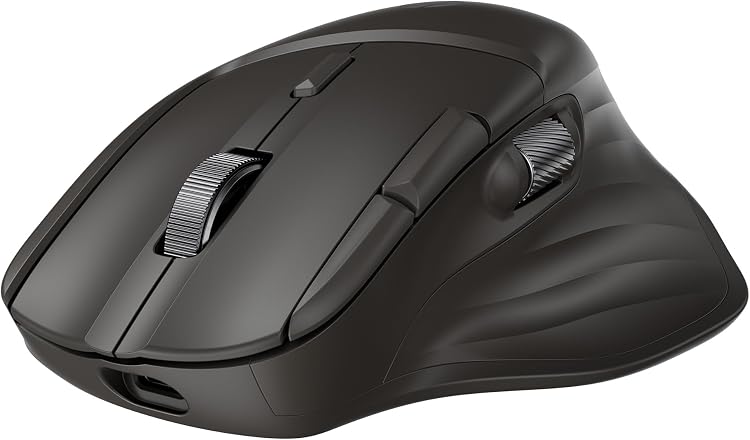
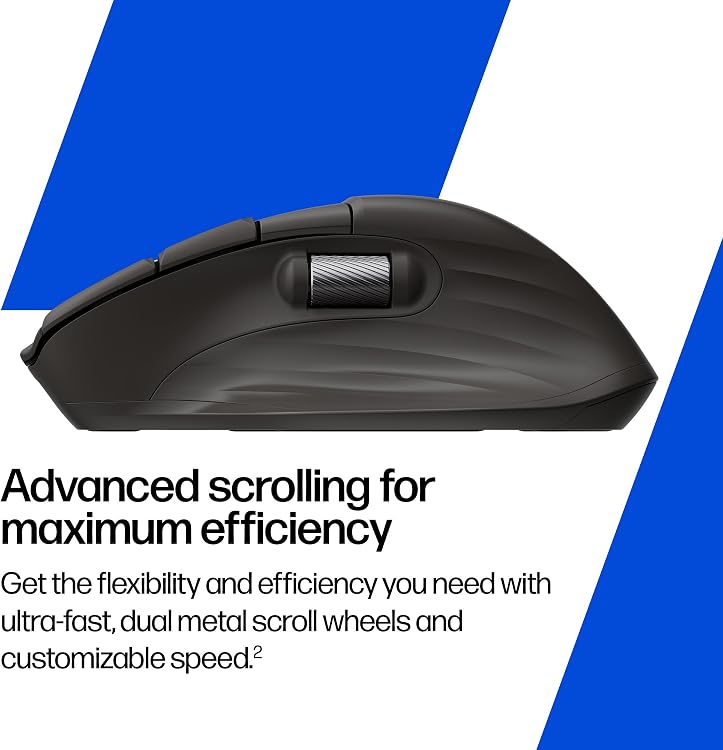
- Scrolling: Four-way, with ratchet and free-spin modes
- Buttons: Six customisable buttons
- Maximum sensitivity: Up to 6000 dpi
- Charging: Rechargeable via USB-C
- Compatibility: Windows 11/10, macOS, Android, iOS and ChromeOS
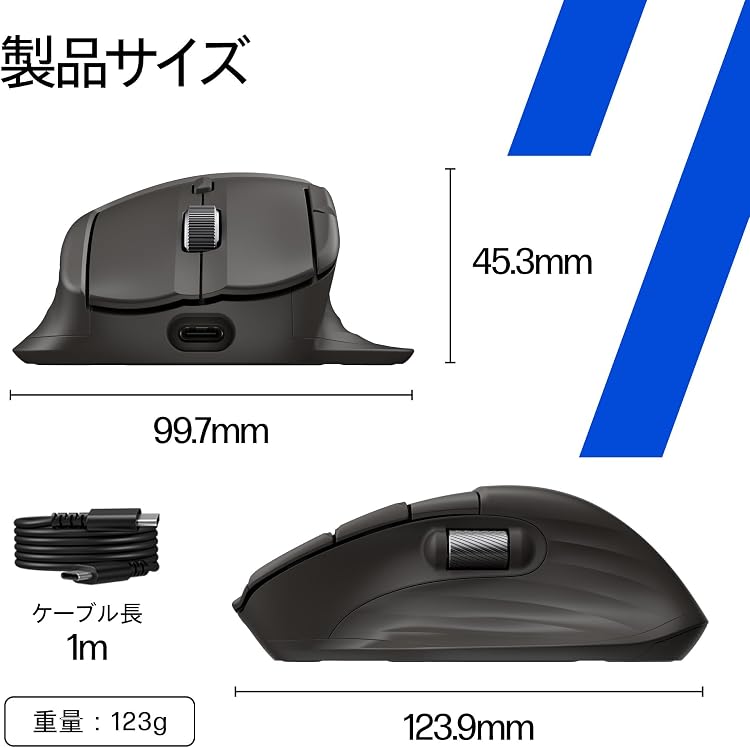
- Dimensions: 12.4L x 10W centimetres
- Weight: 123 grams
- Colour: Black
Getting the most from it
Use the dual scroll wheels to move through long web pages, documents or wide Excel sheets. Vertical scrolling covers lengthy content, while horizontal scrolling makes it easier to traverse columns and side-to-side layouts. Choose ratchet mode when you want a more controlled, click-by-click feel, or free-spin mode for smooth movement through larger amounts of content. Switching between the two lets the scroll response suit the task at hand.
The mouse can connect with Bluetooth or a USB dongle and supports up to three connected devices, making it useful when you move between a computer and other compatible devices. One-touch switching keeps that transition straightforward. For a multi-device desk, this offers a more flexible approach than using a separate mouse for each setup.
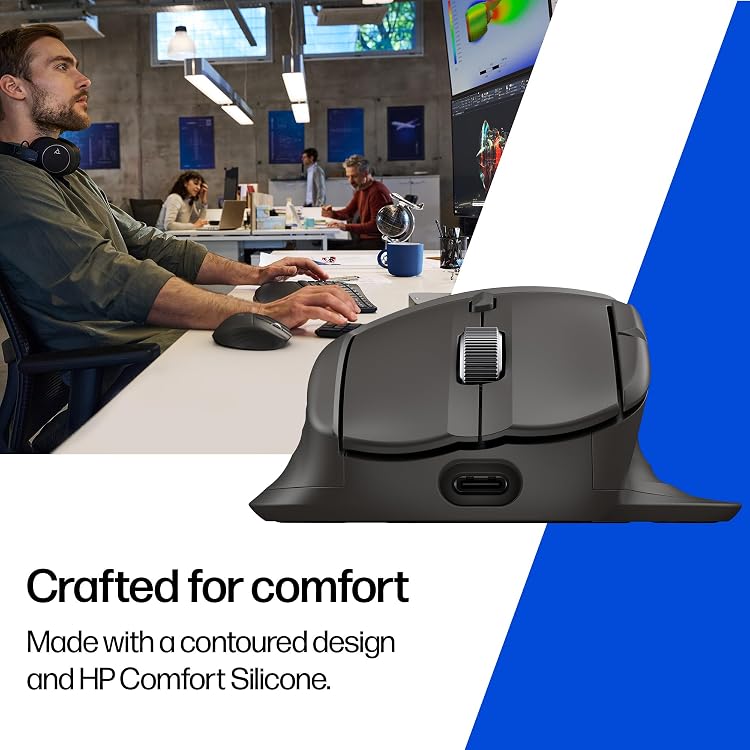
Six customisable buttons can be assigned to frequently used functions and AI tools. Set up shortcuts through HP Accessory Center, available as a free download from the Microsoft Store or Apple Store. Its ergonomic shape and HP Comfort Silicone material are designed to help reduce hand strain during extended work, while the silicone is easy to clean.
Practical tips
Charge the mouse via USB-C rather than replacing batteries. A three-minute charge is stated to fully charge it when using a USB Type-C 3.0 port rated at 5V/2.5A, charging time can vary with the environment. For a useful everyday setup, connect your main computer and another supported device, then customise the six buttons around the tasks you perform most often. This makes the scrolling controls and shortcuts readily accessible while working across documents, spreadsheets and apps.
Final verdict
The HP 780M brings together four-way scrolling, selectable scroll modes and programmable controls in a rechargeable wireless mouse. It suits desk work that involves moving through long documents or wide spreadsheets, and its multi-device connections make it practical for switching between compatible devices. Choose it for a more adaptable desktop workflow, with custom shortcuts and scrolling designed to make frequent navigation easier.